
Marketer, analyst, ex-CMO focused on the Google ecosystem (Ads, Merchant Center, GA4, GTM). Google Partner. 150+ projects, 100+ positive reviews on Freelancehunt, 12+ countries.
- I work directly, with no account managers or subcontractors
- I measure results in sales, not in-platform conversions
- Maximum expertise in the Google ecosystem — instead of “PPC, social ads and SEO, all in one”
Every client wants something different from advertising. For some, the sales figure at the end of the month is enough. Others care about the process: what was done, why some things work and others don't, and where we're heading next. Both approaches are fine — it's everyone's own call.
Contents
Google Ads Reporting Without the Fluff: 5 Working Options from Simple to Advanced

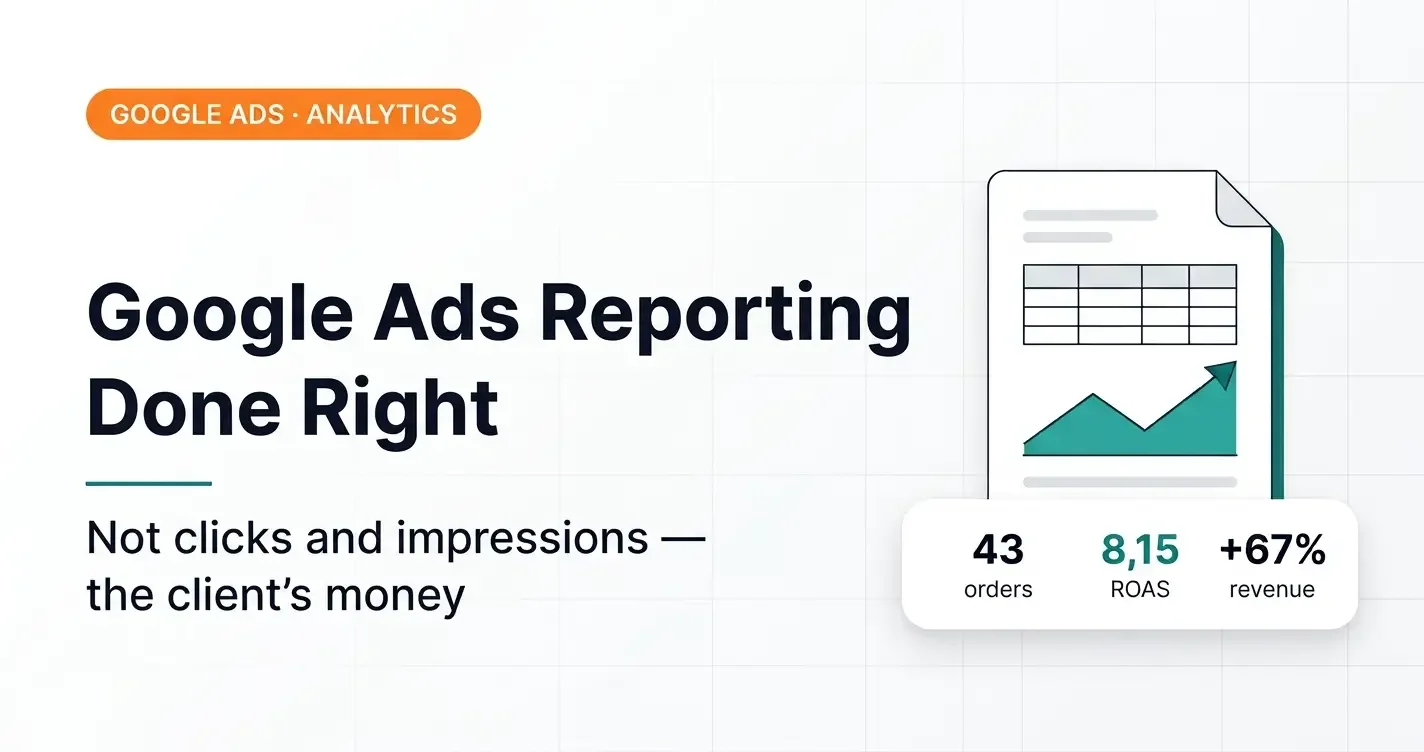
But one thing doesn't change: a report should be about the client's money, not about clicks, impressions and CTR. Pretty charts from the ad account and a dozen screenshots don't answer the business owner's main question: how much did I earn, and why.
Below is a fresh monthly report for a real client, an online mattress store, exactly as I sent it. Only the campaign names and competitors have been changed.
How this report differs from a “typical” one
- Data from the CRM, not from the ad account. The account counts conversions by click date and knows nothing about cancellations. The CRM knows how many orders were actually paid for.
- Business metrics only: orders, revenue, ROAS, cost per sale (CPS), average order value (AOV).
- Transparent methodology: what's counted, what isn't, and why.
- Cancellations shown separately: they neither inflate nor spoil the result, but they show the client the money left on the table.
- Comparison with last month using the same methodology.
- Explanation of discrepancies between the ad account and the CRM, so the client doesn't panic when seeing different numbers.
- Work done and the plan for next month.
- Notes for the client: what they can improve on their side.
Report: online mattress store, September 10 — October 9, 2026
Results for the period
Revenue, ROAS, CPS and AOV based on CRM data
Methodology:
- Counted: orders from google/cpc, plus direct, orders without UTM tags and “call / not recorded”. There are no other paid sources, so we attribute these orders to advertising.
- Not counted: google/organic and Instagram.
- Counted statuses: “sent to production”, “completed”, “handed over for delivery” and new. Cancellations are not included in the result.
- CPS = spend / sales. ROAS = revenue / spend. AOV = revenue / sales.
Breakdown by source
| Source | Orders | Revenue, UAH | AOV, UAH | CPS, UAH | ROAS |
|---|---|---|---|---|---|
| google/cpc | 38 | 483,570.14 ($10,746) | 12,725.53 ($283) | 1,756.31 ($39) | 7.25 |
| direct and others | 5 | 60,314.00 ($1,340) | 12,062.80 ($268) | — | — |
| Total | 43 | 543,884.14 ($12,086) | 12,648.47 ($281) | 1,552.08 ($34) | 8.15 |
Results by campaign
| Campaign | Spend, UAH | Orders | Revenue, UAH | AOV, UAH | CPS, UAH | ROAS |
|---|---|---|---|---|---|---|
| Search [name hidden] | 38,266.55 ($850) | 25 | 334,854.20 ($7,441) | 13,394.17 ($298) | 1,530.66 ($34) | 8.75 |
| PMax [name hidden] | 28,473.06 ($633) | 13 | 148,715.94 ($3,305) | 11,439.69 ($254) | 2,190.24 ($49) | 5.22 |
| Total google/cpc | 66,739.62 ($1,483) | 38 | 483,570.14 ($10,746) | 12,725.53 ($283) | 1,756.31 ($39) | 7.25 |
Cancelled orders
9 cancellations totaling 127,979 UAH ($2,844). The reasons have nothing to do with advertising: the customer bought elsewhere, the delivery terms didn't work for them, incorrect or duplicate data. Not included in the result.
| Source | Status | Amount, UAH |
|---|---|---|
| google/cpc · Search | cancelled | 12,119 ($269) |
| google/cpc · Search | bought elsewhere | 8,890 ($198) |
| google/cpc · Search | out of stock | 4,185 ($93) |
| google/cpc · PMax | bought elsewhere | 5,890 ($131) |
| google/cpc · PMax | incorrect data | 30,086 ($669) |
| google/cpc · PMax | couldn't agree on delivery | 24,900 ($553) |
| chatgpt.com | bought elsewhere | 8,999 ($200) |
| no source | couldn't agree on delivery | 14,772 ($328) |
| direct | incorrect data | 18,138 ($403) |
| Total: 9 | 127,979 ($2,844) |
Comparison with the previous month
| Metric | 10.08–09.09 | 10.09–09.10 | Change |
|---|---|---|---|
| Spend | 46,862.67 UAH ($1,041) | 66,739.62 UAH ($1,483) | +42.4% |
| google/cpc: orders | 25 | 38 | +52.0% |
| google/cpc: revenue | 289,107.88 UAH ($6,425) | 483,570.14 UAH ($10,746) | +67.3% |
| google/cpc: AOV | 11,564.32 UAH ($257) | 12,725.53 UAH ($283) | +10.0% |
| google/cpc: CPS | 1,874.51 UAH ($42) | 1,756.31 UAH ($39) | −6.3% |
| google/cpc: ROAS | 6.17 | 7.25 | +17.4% |
| Total: orders | 38 | 43 | +13.2% |
| Total: revenue | 402,846.88 UAH ($8,952) | 543,884.14 UAH ($12,086) | +35.0% |
| Total: AOV | 10,601.23 UAH ($236) | 12,648.47 UAH ($281) | +19.3% |
| Total: CPS | 1,233.23 UAH ($27) | 1,552.08 UAH ($34) | +25.9% |
| Total: ROAS | 8.60 | 8.15 | −5.2% |
Takeaway on the trend: the budget grew by 42%, while overall ROAS dipped by only 5% (from 8.60 to 8.15). Revenue from google/cpc grew by 67%, average order value by 10%. The gap between +67% for google/cpc and +35% overall comes from better attribution: last month there were 13 sales in direct and unattributed, now there are 5. This is the third month in a row of positive growth.
Why the numbers in the ad account and the CRM differ
- We weren't running on offline conversions from the CRM for the whole month: at the start, the account was receiving conversions from GA4.
- The account counts a conversion by click date, not by order date.
- Conversions are uploaded once a day, so they show up in the account the next day.
- Orders without a Google Click ID don't make it into Google Ads. Why this happens with orders from messengers and email — in a separate article.
- After Google updated the format on its side, some conversions came in as a batch.
Work done
- Refined the script that sends offline conversions from the CRM, and the data format, to meet Google's new requirements
- Full switch to optimizing for real orders from the CRM
- Data analysis in Google Ads, GA4, Merchant Center and the CRM
- Negative keywords, keyword research, location exclusions, device bid adjustments
- Changes in Performance Max: paused underperforming products, added new assets
- Budget reallocation and bid strategy changes
- Reconciliation of orders against the CRM and attribution
Plan for next month
- Shift budget to the Search campaign (ROAS 8.75 vs. 5.22 in PMax)
- Careful budget increase
- A management dashboard combining the CRM and Google Ads — I showed what this looks like in the article on end-to-end analytics
- Optimization for actual sales
- Working on products in Merchant Center
- Monitoring the ratio of calls to real orders
Notes for the client
- Cancellations due to delivery, incorrect data or buying elsewhere add up to 127,979 UAH ($2,844) in lost revenue. Only the client can do something about them.
- Some orders have no attribution: the manager manually sets “call / not recorded” or doesn't fill in the UTM. Those sales never reach Google Ads and don't help the system learn.
Conclusion
A report shouldn't impress with the number of screenshots. It should answer three questions: how much the client earned, why it turned out that way, and what we do next. Everything else is noise.
If you care about the results of your advertising and want to see in it what actually matters — profit — get in touch, my contacts are on this page. How I build this kind of reporting is on the end-to-end analytics service page.
How this store got to these numbers — feed enrichment, shipping_label and the switch to CRM data — in the mattress store case with ROAS 7.77.
Why I do not treat CTR as a KPI or build reporting on it — in a separate article: does CTR affect business metrics.
The report can also live in one dashboard — Looker Studio dashboards for Google Ads and GA4.
To keep UTM tags consistent and typo-free, I use my own UTM builder.
The GA4 reports I start and end my working day with — see 11 GA4 reports I use in my work.
Where to find me
Message me on Telegram or by email — I respond quickly. Telegram channel and YouTube are for those who want to see real cases before reaching out and understand my approach.