
Marketer, analyst, ex-CMO focused on the Google ecosystem (Ads, Merchant Center, GA4, GTM). Google Partner. 150+ projects, 100+ positive reviews on Freelancehunt, 12+ countries.
- I work directly, with no account managers or subcontractors
- I measure results in sales, not in-platform conversions
- Maximum expertise in the Google ecosystem — instead of “PPC, social ads and SEO, all in one”
B2B clients rarely place orders through the cart. They write on Telegram, by email, sometimes on Viber. That's normal for B2B: large orders get discussed and clarified, not just “added to cart and checked out.” How I set up ads for this kind of sales: Google Ads for B2B and service businesses.
Contents
How to Send Messenger and Email Orders to Google Ads

The problem is that Google Ads knows nothing about these orders. They exist in your CRM but never make it into the ad account. The algorithm learns from incomplete data — and looks for the wrong customers.
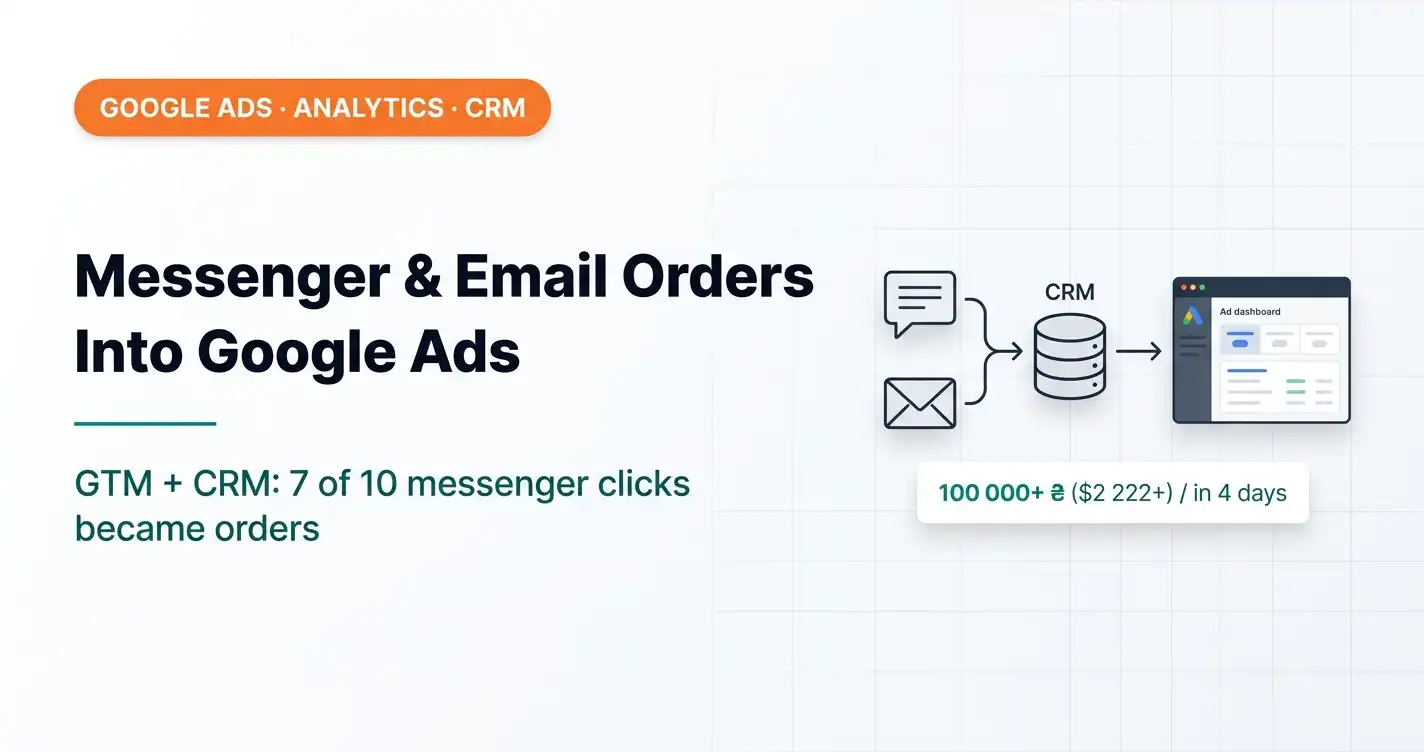
Below is a real solution I implemented for a client. In the 4 days after the integration, 7 of 10 messenger clicks turned into real orders worth over 100,000 UAH ($2.2K). All of this used to slip past the system.
Why messenger clicks as a goal are a bad idea
The first thing that comes to mind: set up a click on the Telegram icon or the email link as a conversion and optimize for it. That's a common mistake.
First, not every click turns into an inquiry. Someone clicked — and closed it. Or opened it and didn't write. If you send clicks as conversions, the algorithm will start looking for people who click messenger icons. You'll get plenty of clicks. Not orders.
Second, for email I don't use the link click at all. I track email copying — it's a more accurate signal. If someone copied the address, they're about to write. On mobile, a click on a mailto link usually doesn't even open the mail app.
I deduplicate both events — the messenger click and the email copy — via cookies. If someone clicked 10 times, it's one event, not 10. Without this, the data gets spammed.
What you actually need to send to Google Ads
Not clicks — verified orders. The ones where a manager has confirmed it's a real deal.
Here's the setup:
- A user lands on the site — their page history and UTM tags are written to cookies.
- They click a messenger link or copy the email.
- GTM catches this moment and, via the CRM's API, automatically creates a new deal card — with the IP address, which messenger was clicked, which pages were visited, and all the UTM tags.
- The client writes in the messenger. A manager opens the CRM, sees the empty card with hints, matches it up — and enters the real data: name, phone, what they're ordering.
- Then the CRM → Google Ads offline conversions integration kicks in: the confirmed deal with its real margin is sent back to the ad account.
The algorithm gets a signal about a real purchase. With a real amount. From a real customer. And starts looking for more like them.
Technical implementation — the concept
I implement it through Google Tag Manager — no need to touch the site code, which is especially important for Horoshop and other platforms without direct code access.
In GTM, I set up a script that, at the moment of the click:
- reads the UTM tags and GCLID (the Google Ads click identifier) from cookies;
- collects the history of visited pages;
- records the IP and which messenger — Telegram, Viber, WhatsApp;
- sends all of this to the CRM's API and creates a new deal card.
There are two ways to connect to the CRM's API. The simple one is to paste the API key directly into the code (I don't recommend it — it's unsafe). The right way is to build a mini-app, for example with Google Apps Script, that acts as a middle layer between GTM and the CRM. The key stays hidden and invisible from outside.
Works with SalesDrive, KeyCRM and any CRM with an open API.
The attribution catch
There's one important point. When someone clicks a messenger link and leaves the site, they go to Telegram or their mail app. Attribution gets lost at that moment: we don't know exactly who wrote, or whether they wrote at all.
That's why we pass hints to the CRM: which messenger, the IP address, which page they viewed. The manager gets a message in the messenger, opens the CRM, finds the card using the hints — and enters the client's real data. The card is already created for them; they just need to fill it in.
This way we won't catch 100% of orders — if someone writes a day after the click, it's harder to connect. But orders where the client wrote right away — and in our case that was 100% in the first week — we attribute fully.
Real numbers for the first 4 days
10 messenger clicks after the integration. Of those, 7 were real orders. Total value — over 100,000 UAH ($2.2K).
Before the integration, these 7 orders existed only in the CRM. Google Ads didn't know about them. The algorithm was learning from incomplete data — without the best customers, without the biggest deals.
After the integration, this data flows back into the system. The algorithm sees the full picture and starts deliberately looking for customers like these.
Who needs this
If you have: a B2B audience or a mixed B2B/B2C one; some clients who write in messengers or by email instead of checking out through the cart; an existing CRM integration with Google Ads (or plans for one) — this integration closes the last gap in your data attribution.
If you need this implemented for your project, get in touch. I'll set up exactly the same scheme.
Tagged links for newsletters and messengers are easy to build with the UTM builder.
Where to find me
Message me on Telegram or by email — I respond quickly. Telegram channel and YouTube are for those who want to see real cases before reaching out and understand my approach.