
Marketer, analyst, ex-CMO focused on the Google ecosystem (Ads, Merchant Center, GA4, GTM). Google Partner. 150+ projects, 100+ positive reviews on Freelancehunt, 12+ countries.
- I work directly, with no account managers or subcontractors
- I measure results in sales, not in-platform conversions
- Maximum expertise in the Google ecosystem — instead of “PPC, social ads and SEO, all in one”
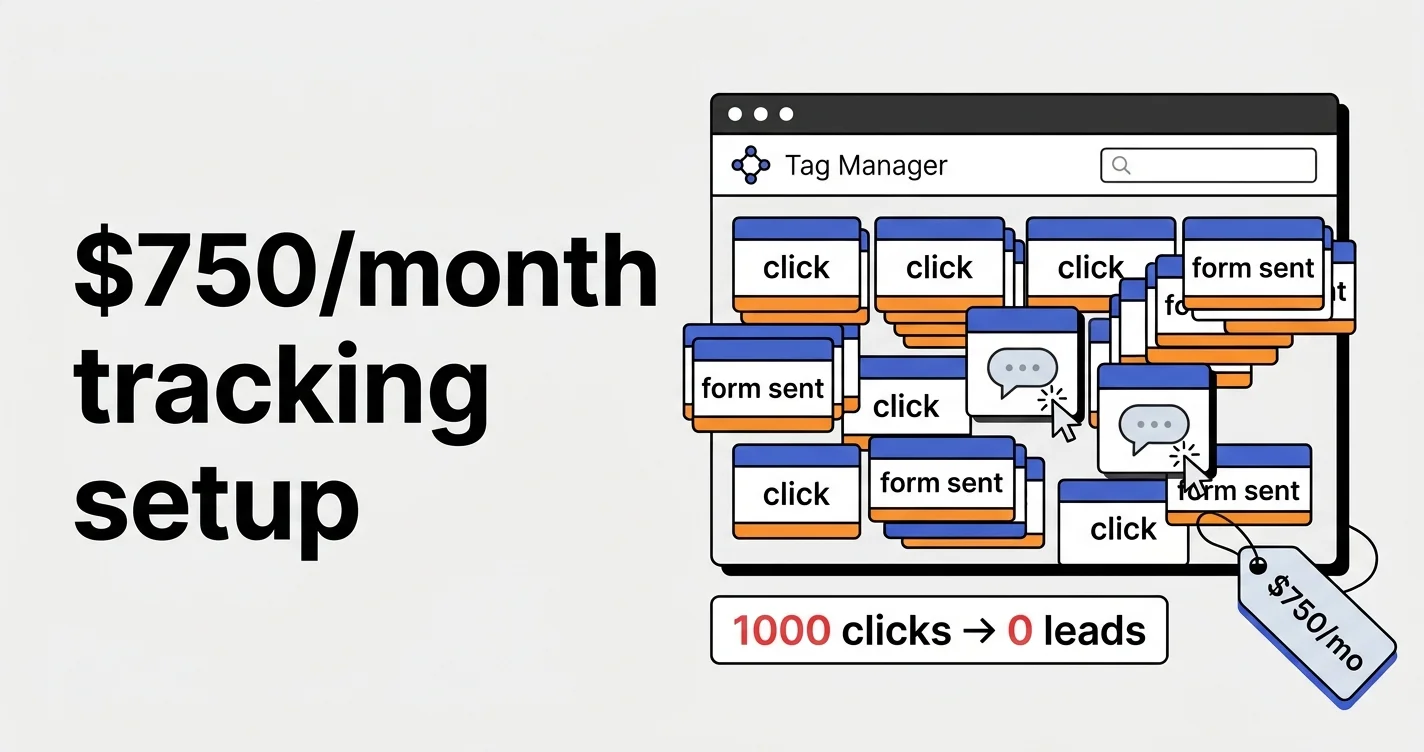
Here is how agencies that charge $750 a month for account management set up tracking. Honestly, it makes me feel sick when I see this. And that is not an exaggeration.
You pay the agency $750, and this is what they set up for you. If it is not clear what is wrong here, I will explain.
Contents
Google Tag Manager Tracking for $750 a Month: An Agency’s Mistakes Explained

Why Your Leads in Google Analytics Don’t Match Reality: A Real Case

Mistake 1. Every messenger click is a “conversion”
Let’s start with messengers. WhatsApp click, Telegram click, TikTok click, YouTube click. Okay, they are set up, fine.
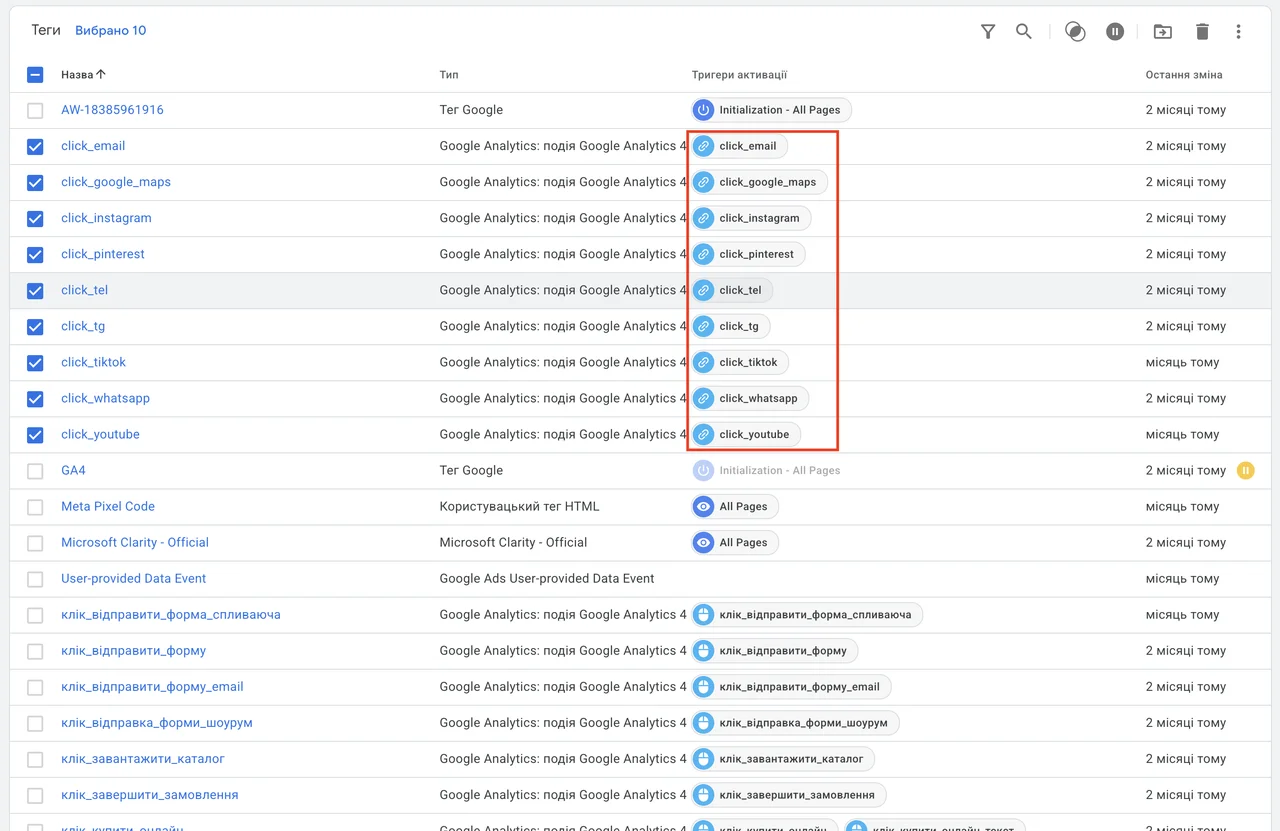
What is wrong here? With this configuration every non-unique click ends up in analytics. So one user clicked WhatsApp 10 times. Or a bot did, which happens quite often in Performance Max campaigns.
And there you are: you seem to have 100 WhatsApp clicks, but not a single lead. Because one and the same bot or user can do it. Then you analyze this data and make decisions based on it. That is the saddest part.
Mistake 2. Email click instead of email copy
Show me at least one person whose mail app opens when they click an email address. A click on an email means nothing except that someone clicked it.
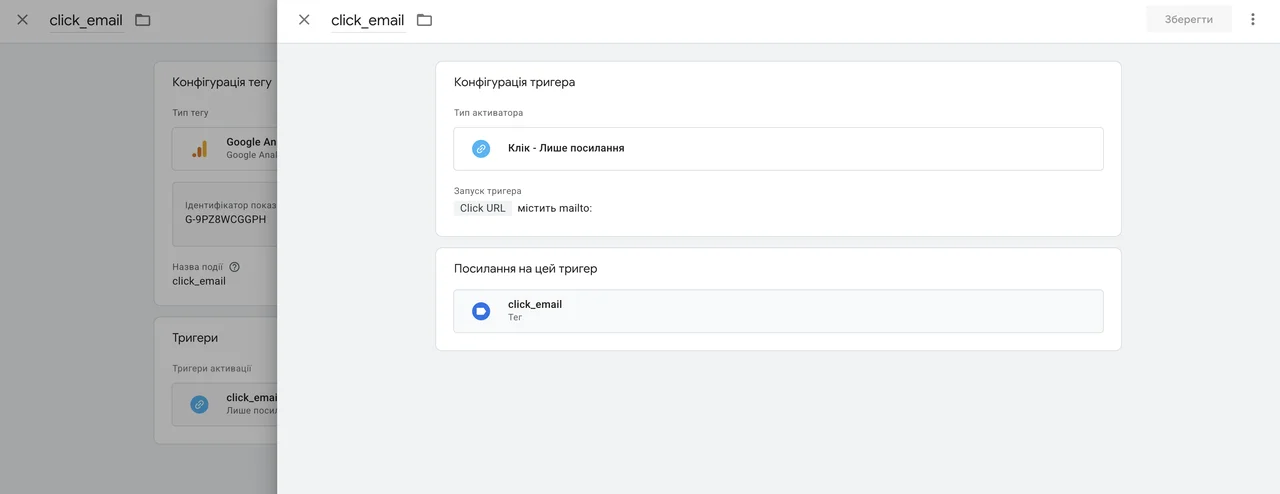
It makes more sense to use an email copy event. It signals a clearer intent: copy the address and then send an email. Copying an email is much closer to actually sending one than a click.
Especially on complex or B2B projects, I always set up email copy tracking. I do not even set up the click anymore.
Then, with certain technical solutions, all of this can be tied together and sent to Google Ads. I explained how I do it separately: how to send messenger and email orders to Google Ads.
04 — AnalyticsConversion tracking with GTM and GA4Accurate tracking: Google Tag Manager, GA4, Enhanced Conversions, Google Tag Gateway.Mistake 3. Form button click as a separate event
What else do we see here? A “submit form” click, a “submit pop-up form” click, a “submit email form” click, a “showroom form submission” click. What is the difference between these clicks? What do you want to see in them if you analyze them? Or is it just some template: the solution was put in place, and that is it?
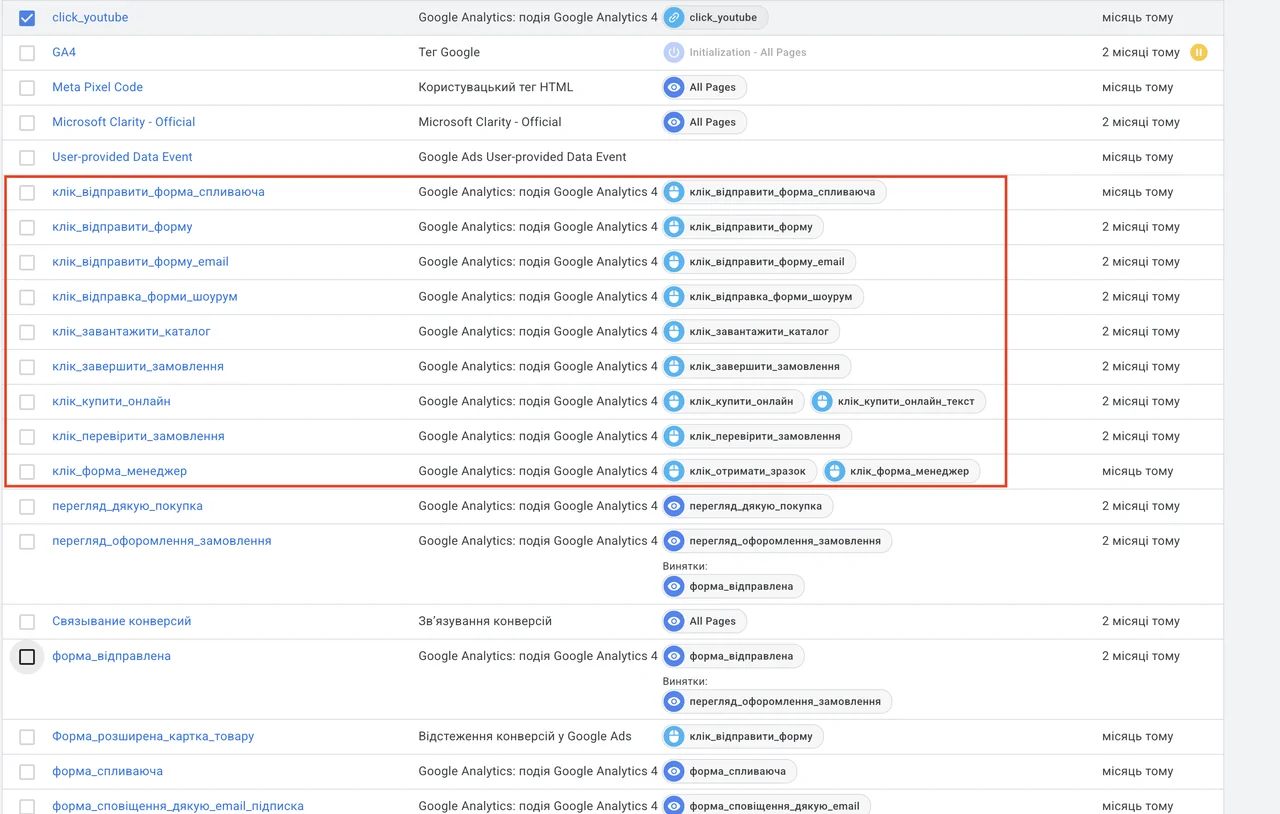
I also do not quite get the idea of splitting form events into separate goals. And the “pop-up form” event simply records that the pop-up form appeared. Where is the lead here?
Mistake 4. “Form submitted” on every thank-you page reload
Here is the event responsible for a submitted form on the site. The trigger is a page view where the URL contains thank-you.
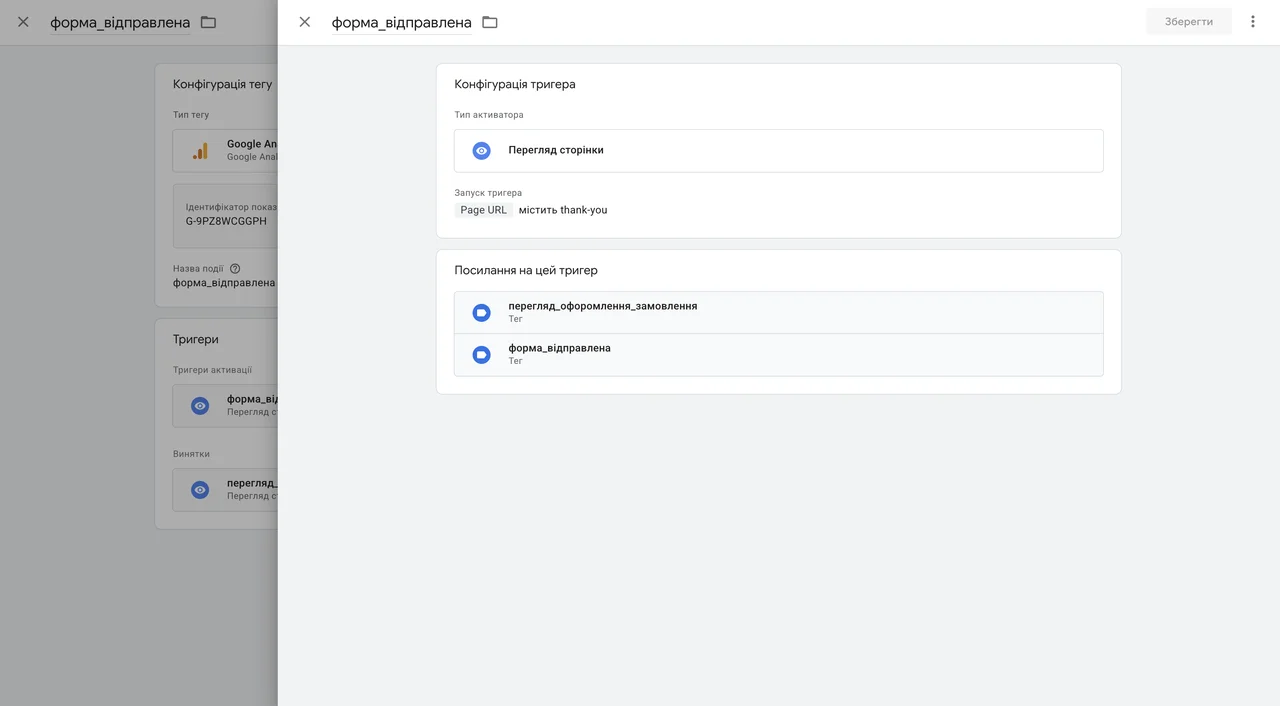
What is, to put it mildly, imperfect here? A user lands on the thank-you page, the event fires and is sent to analytics. Then, for example, they close the browser, come back two hours later, open the browser — the page loads again, and the “form submitted” event fires again. And they can simply reload it 10 more times, and the form will land in your analytics again.
You look: you have 10 forms, but in fact one lead, and not even a qualified one.
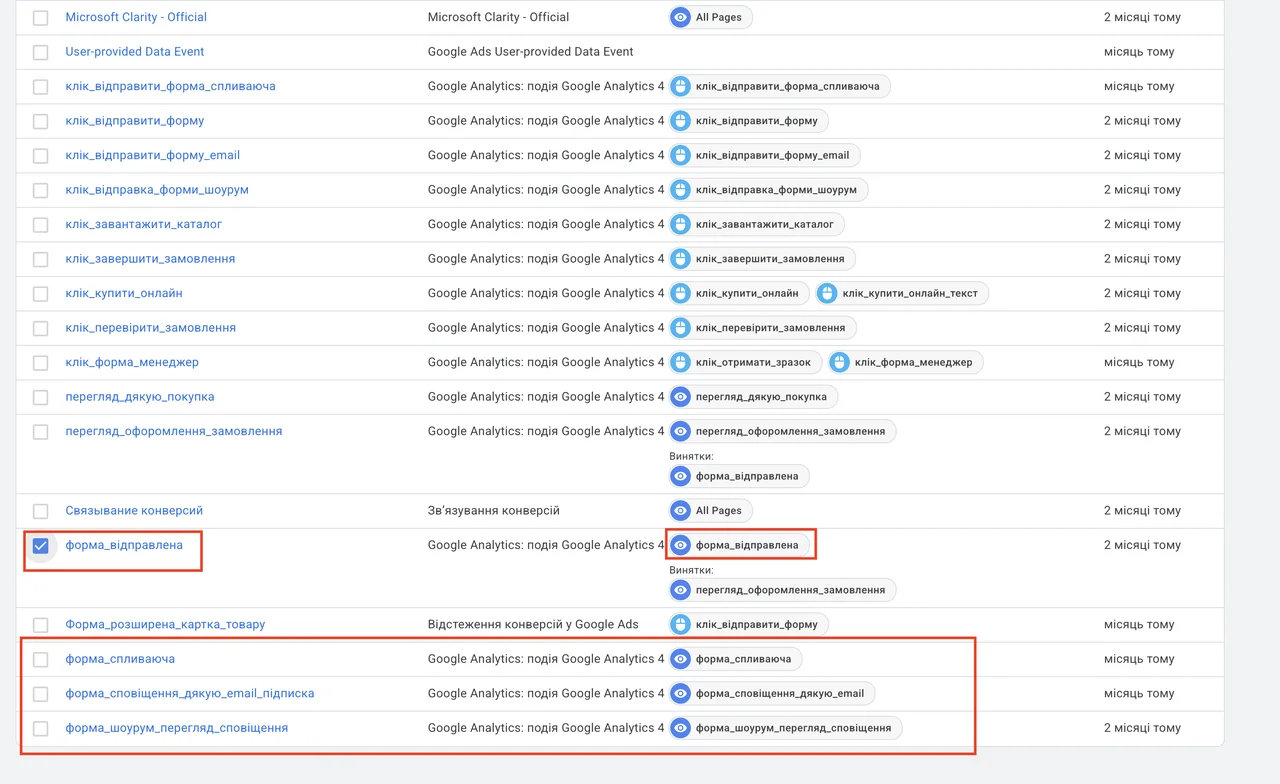
What is the solution? Deduplicate in any convenient way, for example at the cookie level. And do not track every page reload. Right now every reload is tracked, and the tag sends an event to Google Analytics each time.
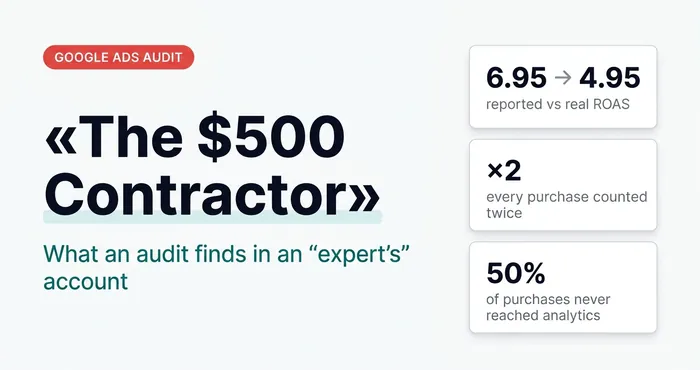 Google AdsThe Dunning–Kruger Effect in Google Ads: Why Audit a $500 Contractor Even When Everything WorksDuplicate purchases, micro-conversions in bidding and restarts instead of diagnosis: what an audit finds in the accounts of $500-a-month “experts”.
The bottom line
And this costs $750 a month. A pile of incorrectly configured data out of nowhere. And then decisions are made based on this data.
And you wonder: what is wrong? This is exactly the situation when there are conversions in the account, but in fact there are none. Because this is the setup you get for $750 a month.
How to properly give a specialist access to Google Tag Manager and which permissions to choose — in the guide to granting access to Google services.
What should count as a conversion and what shouldn’t — in the article what a conversion in Google Ads is, in plain words.
For correct sources in GA4, build links with UTM tags in the free UTM builder.
How to set up the ChatGPT Ads pixel and lead event via GTM — see the ChatGPT Ads Manager walkthrough.
Which GA4 reports I check after setting up tracking — see 11 GA4 reports I use in my work.
Where to find me
Message me on Telegram or by email — I respond quickly. Telegram channel and YouTube are for those who want to see real cases before reaching out and understand my approach.