
Marketer, analyst, ex-CMO focused on the Google ecosystem (Ads, Merchant Center, GA4, GTM). Google Partner. 150+ projects, 100+ positive reviews on Freelancehunt, 12+ countries.
- I work directly, with no account managers or subcontractors
- I measure results in sales, not in-platform conversions
- Maximum expertise in the Google ecosystem — instead of “PPC, social ads and SEO, all in one”
How much time does it really take to launch ads? Probably one of the most common questions I get. The answer depends on two things: whether the infrastructure is already in place and how fast the specialist works.
In this case I will tell you how I launched ads in one day. Even less: not even 24 hours passed from the moment the client reached out.
Video: launching Google Ads in one day

This is an existing client; we are already working on his fourth website. And in a day — really in a day — we fully launched the ads. The title “launch in one day” is, of course, a bit clickbait. But below I will honestly explain what the launch included, how it went and why it was so fast.
Contents
Why it was possible here
The first important point: these are not Shopping ads. You will not launch Shopping ads in one day without prepared infrastructure. A feed in Merchant Center goes through moderation for at least three days.
Here we have a single product. It is already advertised in another account, but only in Shopping ads. We made a separate landing page for this product and prepared everything based on the information we already had.
What the launch included
1. Landing page improvements
We started with the main thing. I gave feedback on the landing page, and the client quickly improved it the same day.
2. E-commerce events and one-click purchase
The website runs on WordPress, so e-commerce events are set up very quickly with the GTM4WP plugin (Google Tag Manager for WordPress), without a developer.
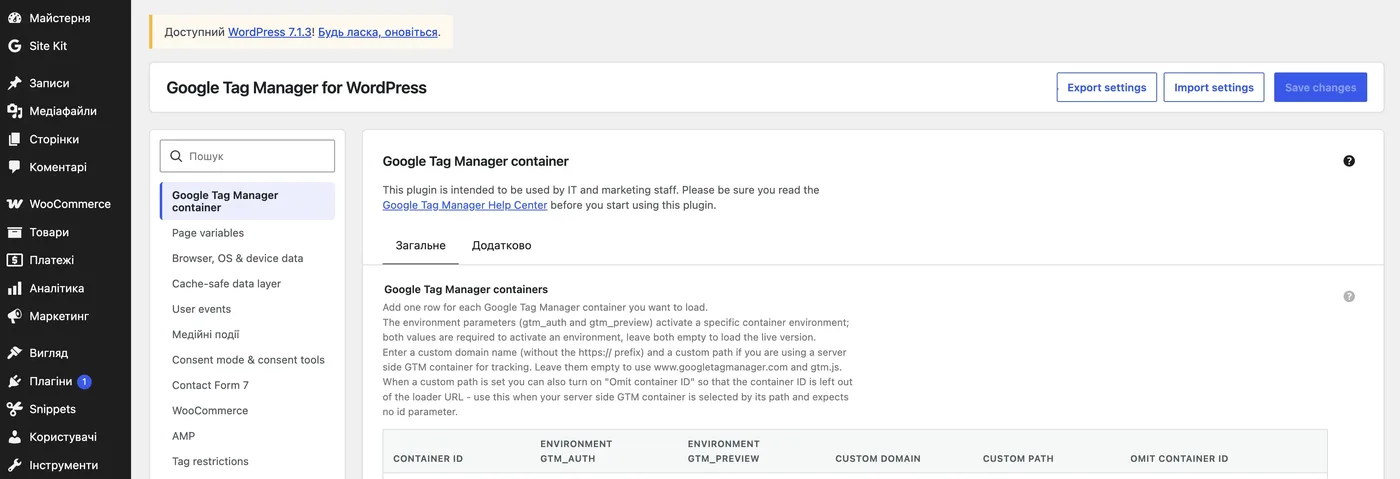
The problem was the one-click checkout: it was not picked up in any way, and no events appeared in the dataLayer. I had to work around it with a custom script. And it works.
As a result, the purchase event — both regular and one-click — is sent with the value, transaction ID, currency code and the items array (order contents).

3. Google Tag Manager and Google Analytics 4
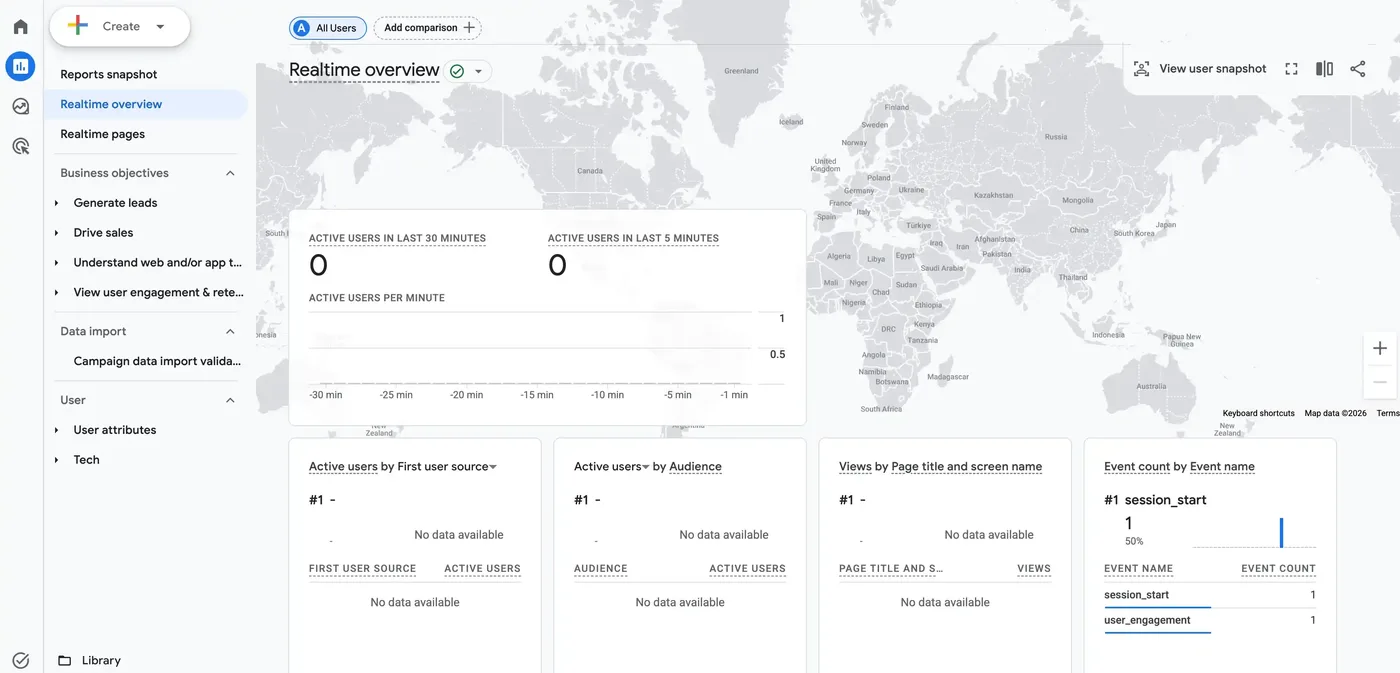
I created new GTM and GA4 accounts, set up the analytics and tested it. We found bugs — I passed them to the client, and he fixed them right away. Everything happened instantly.
4. Ad account and ad credit
We started yesterday around midday, and by midday today everything was ready.
I connected to the client’s computer via AnyDesk and created the ad account. The payment profile already existed: this is the fourth account, and the three previous ones work with the same profile. So we simply chose the existing profile, and no additional verification was needed.
Next, we made sure to choose the ad credit — based on the planned budget we intend to spend in 60 days.
A small note about the credit. I have a very fresh case: an agency chose a credit level for its clients that far exceeds their capacity. Now they have come to me: less than two weeks left, the website barely works, and they still need to spend twice as much as they realistically can.
So when you choose the credit (or someone chooses it for you), think it through. Better take one level lower than you expect. Especially if you run Shopping ads: the risk of suspensions there is higher than with regular ads. You cannot roll back or change the conditions. Whatever you choose is locked in, and you will get the credit only if those exact conditions are met.
Another case, a really sad one. They waited for the credit, met all the conditions, and the account says the credit is invalid, because ads had already been run on this domain before. The client says: we never ran ads. He did not. But someone once bought the domain, ran ads on it and then abandoned it. And the domain name matched a world-famous mattress brand. The man bought this domain and instead of a credit got nothing. That happens too.
Key takeaway: it is better to take the ad credit one level below your planned budget. The chosen level cannot be changed, and if you do not meet the conditions, you get nothing.
5. Conversions from the CRM
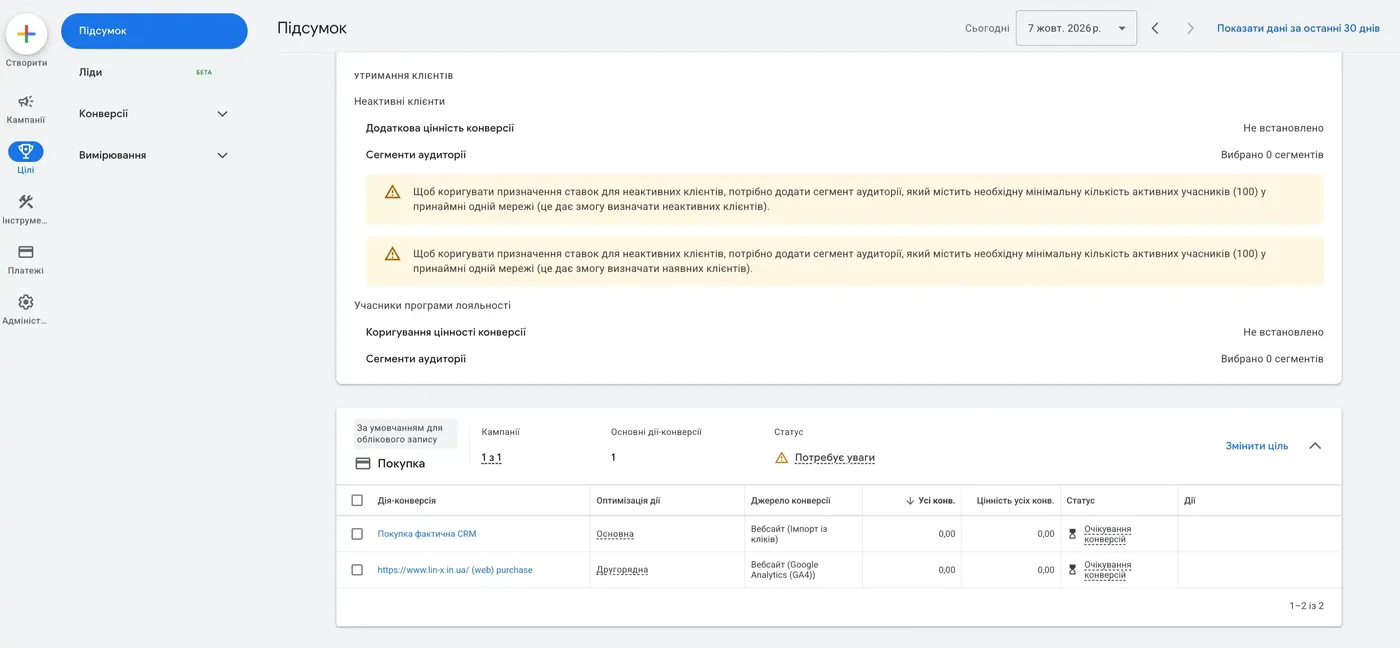
Since this is already the fourth project, the three previous ones have end-to-end analytics and a CRM integration with Google Ads set up. Building an integration based on the existing one was not difficult.
So we train the ads on real CRM data from the start — on revenue from actual purchases. I showed how this works in the offline conversions case study.
Why not on margin, you may ask? There is only one product in four variations. Optimizing for revenue or for margin is essentially the same: it is one type of product.
6. The ads themselves
The budget is limited, so — one campaign with two ad groups inside.
And an important nuance: we did not have to invent anything. Performance Max has been running in another account for about a year and a half. All the keywords with real sales are already there. Writing the ads is not a problem, and we added the assets.
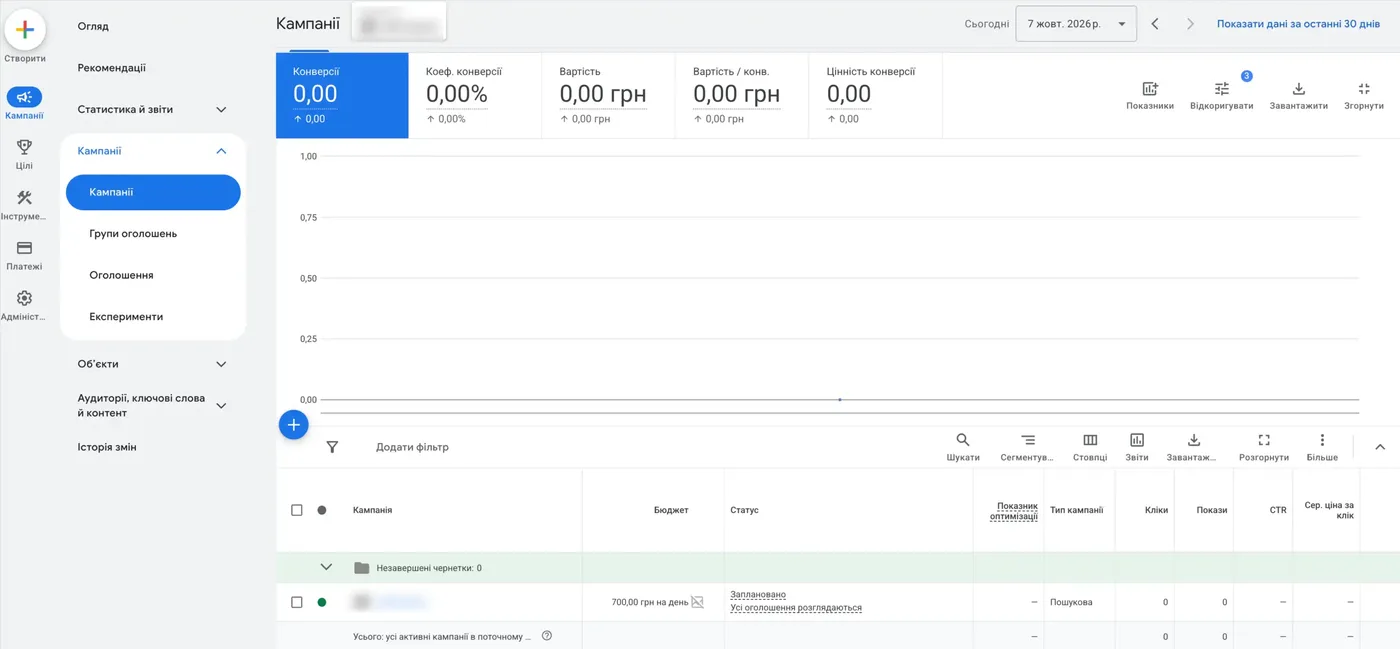
That is how a very fast launch happened. The only thing left to finish is the end-to-end analytics itself. But that is about an hour of work, and it does not affect the ad launch.
What made a one-day launch possible
If there is a foundation to work with, the launch goes fast. In my case, the foundation was:
- a fully built keyword list (keywords and negatives) with statistics from another ad account;
- an understanding of the baseline cost per click at the start;
- a created and verified payment profile;
- the GTM4WP plugin, which lets you set up e-commerce events without a developer;
- a ready CRM integration with Google Ads;
- automated processes that you do quickly because you have done them dozens of times.
Plus — you work fast, and that is how it turns out.
I had another case, also within 24 hours, but a different story: there I also built a landing page on Wix. So from development to ad launch — one day.
Video: a quick start — a landing page and Google Ads in one day

Why I don’t like rushing
Let me say right away: I am not a fan of such requests. There was no rush here; I just wanted to launch as fast as possible.
But when something is rushed, it is a question about how the work is organized. If ads urgently need to be launched, why did it become urgent? Why was everything allowed to get to this point? That is the only right question.
Key takeaway: an urgent launch is not about the specialist’s speed but about how the work is organized. If the ads are “on fire”, it is worth asking why they were allowed to get to that point.
How much time to realistically plan
For a simple project without Shopping ads, I plan about three days. If the stars align and there are no blockers, you can launch calmly, without rushing, in three days. Everything is checked and set up.
A launch in one day is also possible, but that day has to be fully dedicated: put everything else aside and do only this. Do not get distracted by anything else. For example, by recording this video.
If the ads involve Merchant Center, I plan at least a week. I see no point in less. Do the math yourself:
| Stage | Time |
|---|---|
| Technical work: Merchant Center, GTM, GA4 | 1 day |
| Website audit and fixes | 1 day (sometimes a couple of days) |
| Product moderation in Merchant Center | ~3 days |
| Force majeure | a couple of days |
| Total | ~7 days |
I wrote separately about what you should and should not do after launching Merchant Center.
So when you are promised results within a month, you are being misled. A week goes to technical work alone, even accelerated. The next three weeks are initial data collection, not a story about results.
Conclusion
Launching Google Ads in one day is realistic if there is a ready foundation: keywords with statistics, a verified payment profile, tools for setting up tracking quickly and the experience to do it all without unnecessary steps. Without that foundation, a normal timeline for search ads is about three days, and with Merchant Center — about a week.
If you need to launch ads with correctly configured analytics from day one, get in touch — the contacts are on this page.
For a turnkey Google Ads launch for an OpenCart online store — from feed to first sales in 6 days — see this case study.
How much time to plan for a launch at a normal pace — Search, Shopping, call tracking and CRM — I break down day by day in “How Long Does a Google Ads Launch Take”.
Where to find me
Message me on Telegram or by email — I respond quickly. Telegram channel and YouTube are for those who want to see real cases before reaching out and understand my approach.