
Marketer, analyst, ex-CMO focused on the Google ecosystem (Ads, Merchant Center, GA4, GTM). Google Partner. 150+ projects, 100+ positive reviews on Freelancehunt, 12+ countries.
- I work directly, with no account managers or subcontractors
- I measure results in sales, not in-platform conversions
- Maximum expertise in the Google ecosystem — instead of “PPC, social ads and SEO, all in one”
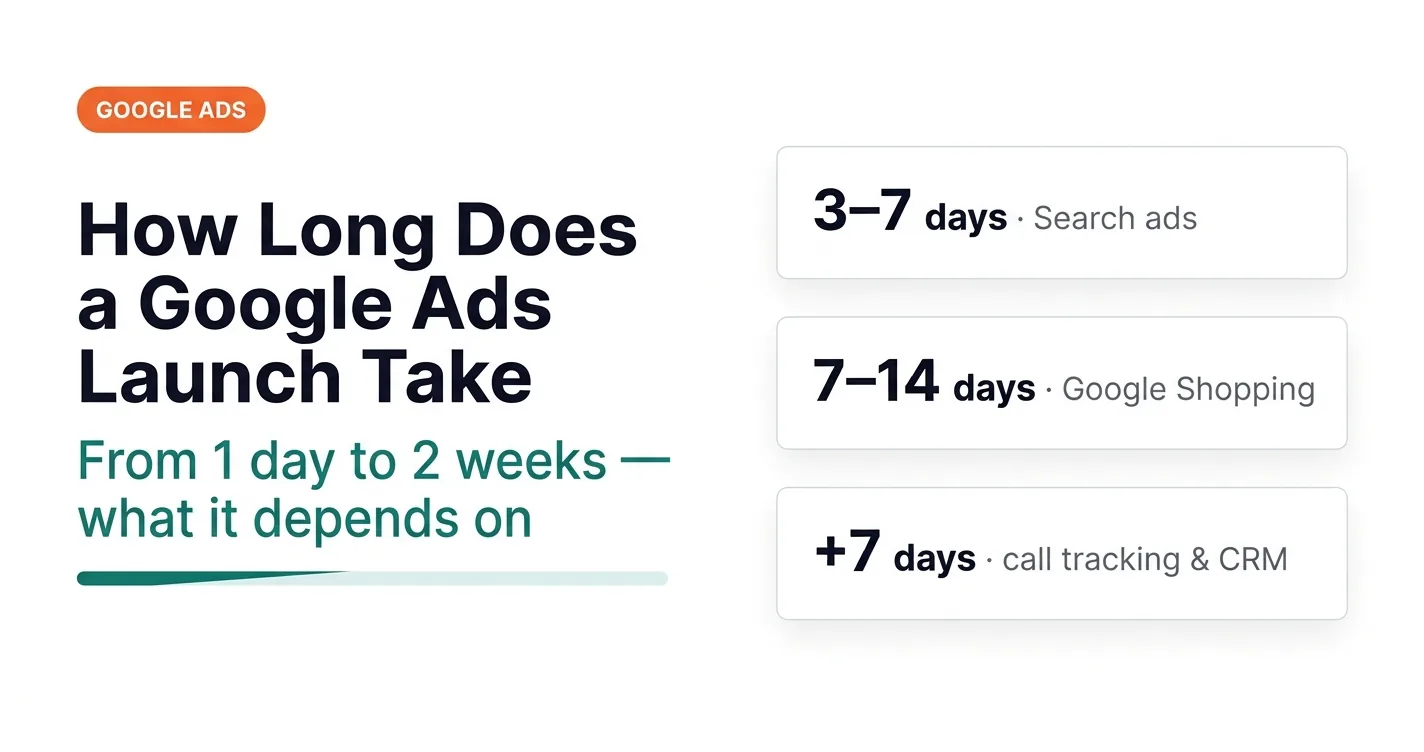
Short answer: anywhere from one day to two weeks. It all depends on the current state of your infrastructure: website, tracking, Merchant Center, CRM. Below — what the timeline is made of, a typical day-by-day plan, and why a launch for “yesterday” is almost always a bad idea.
Contents
What launch speed depends on
First — the website. How fast it loads, how logical the sections are, how the product pages are built if it’s an online store. If the site needs work, that takes separate time.
Second — whether ads are already running. If the task is to scale an existing project, at least one day goes to an account audit and another to fine-tuning conversion goals in analytics. After that it depends on what exactly we’re launching. If it’s an online store, the feed is ready, products are approved and just need re-segmenting, ads can go live on day three. That’s the ideal scenario.
Third — the client’s speed. I only estimate the time for my own work and expect fixes to be made as fast as I hand them over. For example, when launching Merchant Center I hand over a list of fixes, and from there everything depends on how fast they get made. For stores on Horoshop and Prom.ua (Ukrainian e-commerce platforms) I have ready-made scripts that fix the feed and remove marketing exaggerations — one of the common reasons for suspensions. There’s also an automated tool: the feed is run through a bot that shows exactly where the exaggerations are and what needs to go.
How to find marketing exaggerations in a product feed with a bot

In a recent case study I described a full ad launch for a new online store in 6 days. That’s a very short timeline, and I never promise it in advance: something can always go wrong.
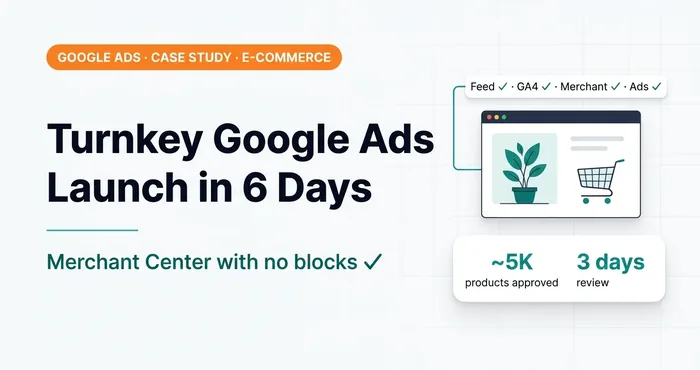 Google Ads case study · Merchant CenterTurnkey Google Ads launch for an online store: from feed to first sales in 6 daysTurnkey Google Ads launch for an OpenCart store: custom Merchant Center feed, approval in 3 days, ROAS 4.56 in the first 4 days of ads.
And in another case study I talked about a one-day launch. Is that realistic? Yes. The client came with a ready WordPress and WooCommerce website for a product we already had keyword research and keyword stats for. I gave him fixes for the landing page — he made them right away.
 Google Ads case studyLaunching Google Ads in 1 day — is it possible? A real case breakdownCan you launch Google Ads in one day? A real case: GTM, GA4, one-click purchase, CRM conversions. How much time to plan for search and for Shopping.
“With that kind of synergy, projects really do launch fast. But I never make one day the standard: it’s a mode where you have to drop everything else and do only this,” says Volodymyr Petrychenko.
A typical day-by-day launch plan
This is the basic algorithm for a fast launch of any Google Ads project.
| Day | What we do |
|---|---|
| Day 1 | Organizational questions, priorities, choosing categories or products. If we’re moving fast, the website audit goes here too. Creating Merchant Center. |
| Day 2 | Basic tracking in Google Analytics and Merchant Center: setup and testing. |
| Day 3 | Product feed for Merchant Center (for online stores). |
| Day 4 | Registering and verifying the ad account, activating the promo credit. |
| Days 5–6 | Lead generation: keywords, ads, assets, linking GA4 with Google Ads, locations from Google Business Profile, initial account setup. Launch. |
| Next | Importing offline conversions from the CRM into Google Ads. |
A few notes on the table.
Merchant Center — I recommend creating it on day one, as soon as you have access. Even without a feed — let it sit there ready.
The feed. If the site runs on an off-the-shelf CMS like OpenCart or WordPress, there are ready-made plugins. On Horoshop and Prom.ua it’s all built in. If the site is custom, the developer gets a spec, and from there it all depends on their speed. On off-the-shelf CMSs I build a feed even without plugins in under an hour, and I’m not a developer. If your developer asks for a day or two for this task, it’s worth thinking about.
Ad account verification — I recommend completing it right away so you never have to come back to it. I wrote a separate step-by-step guide on how to do it for an LLC. And if the account has already been suspended: Google Ads account unblocking.
 Google AdsGoogle Ads Advertiser Verification for an LLC — Full 2026 GuideGoogle Ads advertiser verification guide for an LLC, 2026: documents, director confirmation, timelines, common mistakes.
I always verify the account right away — and I’ve noticed that those accounts have never once been hit with business operations verification (BOV). I won’t claim 100% that this is the reason. But client profiles that got verified later ran into it more often. Most people fear this check like fire, although there’s nothing complicated about it: I’ve gone through it for an online store and for a law firm. With the lawyers it looked like it would be tough — in reality we got through almost without a hitch.
Offline conversions. Importing conversions from a CRM into Google Ads means sending actual sales to your ads, not just leads. For an off-the-shelf CRM it takes me one or two business days to set up and debug. For a CRM I haven’t worked with before — up to seven business days.
If there’s no CRM at all, I have my own CRM for lead generation projects. It integrates with any CMS via API and is free for my clients — you only need to set up lead forwarding from the website forms.
And what if even that can’t be connected? Leaving the ads as they are is not an option. On several projects I already use an approach for working with offline conversions in Google Ads without a CRM: where installing a CRM doesn’t make economic sense, or where there is a CRM with no integrations at all. It works reliably; the only way it falls short of a full integration is that it needs manual steps. But it’s still better than feeding Google Ads dirty conversion data. There will be a separate video and article on this. How ads are trained on leads from messengers and email, I already covered in the article on orders from messengers and email.
How long a Search ads launch takes
For a site without Shopping you can comfortably fit into three days: a day for website fixes, a day for full tracking, a day for the account itself.
But some add-ons extend the timeline:
- dynamic call tracking (swapping the phone number on the website so you can see which click a call came from) — plan for at least a week;
- CRM integration — also about a week.
On average, a lead generation project on Search ads takes up to 7 business days. If you hurry — 3 days. If it’s on fire and there’s money to spare, even 1 day is possible; I’ve already shown that in a case study.
How long a Google Shopping launch takes
Shopping ads, Google Shopping, Merchant Center — in this context they’re synonyms. Here I plan for at least 7 days, even though I just described a case with a 6-day launch. But there were nuances: we made the website fixes long before the start, and the client himself lost a day because he was busy.
How to Avoid a Google Merchant Center Suspension: A Real Case

The realistic range is 7 to 14 days. Why up to 14? Because Merchant Center throws all kinds of curveballs. In one project there were 190 SKUs, and review let through 10 products a day. Just 10 a day. It’s an exceptional situation, but it happens, and it’s worth discussing at the start.
Second — a suspension of Merchant Center itself. No matter how much you polish the feed and the site, there’s always a chance of a suspension. I’ve described the reasons many times — for example, a suspension caused by one single product in another language in the feed.
 Merchant CenterMerchant Center Suspension for Feed Language Mismatch: Cause and SolutionMismatched language: why one product in another language is enough, which attributes Google checks, how to fix the feed.
Niches where a fast launch is impossible
The legal niche has just about the richest keyword universe in Google Ads. And you can’t work there without end-to-end analytics — there are simply no other options. Dynamic call tracking is mandatory too. Attribution of inquiries from messengers and email is a must-have.
06 — AnalyticsEnd-to-end analyticsAll inquiry sources and CRM sales in one picture: you see which channel actually brings money.The problem is that clients in the legal niche most often don’t want to do anything about it. They want it as simple as possible, but working. Not going to happen. Ads optimized for clicks on the phone number or only for form leads don’t work in this niche at all.
“That’s why I don’t like working with the legal niche. Lawyers seem to think you set up the ads once and they live a life of their own,” explains Volodymyr Petrychenko.
Why rushing is the main enemy
I get that you want to launch ads as fast as possible and start making money. But launching on a very tight timeline is not the best decision. The more rush, the higher the chance of a mistake. And the most critical mistakes are almost always in tracking. Missed something here, hurried there — and the ads learn from broken data.
So it’s better to forget the word “urgent”. Only a suspension can be urgent. Merchant Center got suspended — that’s urgent, no argument. The ad account got suspended — same thing, it needs to be unblocked as fast as possible.
As for one-day launches — come on, folks, not the best idea. Plan your marketing activities in advance, and then they’ll deliver results. How to figure out whether ads will pay off before launch, I covered in the article on calculating whether Google Ads makes sense.
And which campaign type to launch with — Search, Shopping or Performance Max — I cover separately in the article on choosing a Google Ads campaign type.
So the start doesn’t stall at the access stage, here is a step-by-step guide: how to grant access to Google Ads, GA4, GTM, Merchant Center and Search Console.
Where to find me
Message me on Telegram or by email — I respond quickly. Telegram channel and YouTube are for those who want to see real cases before reaching out and understand my approach.