
Marketer, analyst, ex-CMO focused on the Google ecosystem (Ads, Merchant Center, GA4, GTM). Google Partner. 150+ projects, 100+ positive reviews on Freelancehunt, 12+ countries.
- I work directly, with no account managers or subcontractors
- I measure results in sales, not in-platform conversions
- Maximum expertise in the Google ecosystem — instead of “PPC, social ads and SEO, all in one”
You've launched or unblocked Google Merchant Center, and a sense of relief sets in. Finally. Everything works, products are active, ads are running.
Contents
- The main rule after launching Merchant Center
- What exactly NOT to touch after launch
- If you do need to make changes — what to do
- Adding new products: quietly and carefully
- Trigger words: how to get blocked out of nowhere
- Why blocks can hit even without any action on your part
- About guarantees: an unpleasant but honest truth
- What you can actually do
- Conclusion
- FAQ
What Not to Do After Launching or Unblocking Google Merchant Center

And that's exactly when most stores start making critical mistakes that lead to another block a few days or weeks later.
This article isn't about “how to launch.” It's about how not to break everything right after launch.
The main rule after launching Merchant Center
Touch nothing. As little as humanly possible.
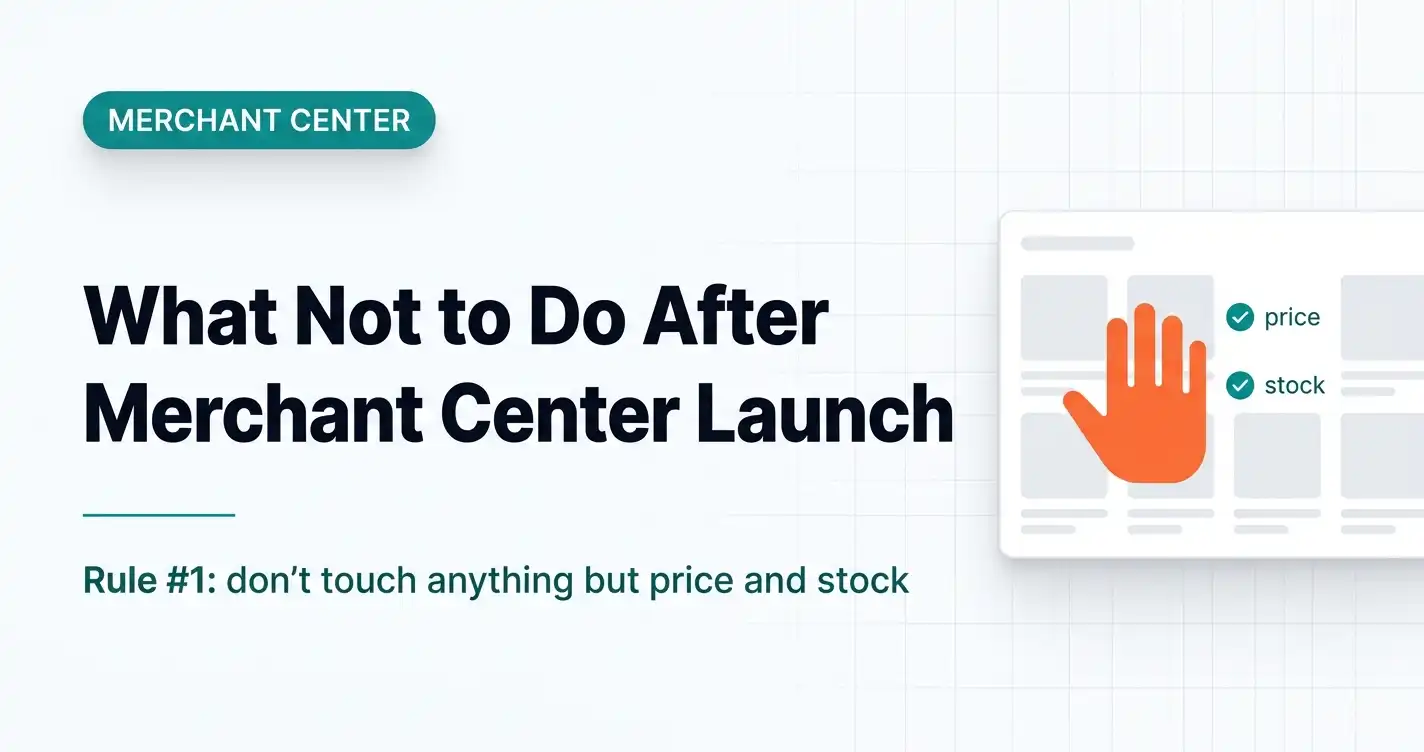
After launching or unblocking Merchant Center, it's best to make no changes for at least 3–4 weeks, except for product prices and availability.
And this isn't about being “too lazy to edit things” — it's simple logic: any edit is a reason for another review.
What exactly NOT to touch after launch
Technical pages of the site
If Merchant Center has already passed review, forget about these pages for a while: contacts, shipping, payment, returns and exchanges, about the company.
Even if you feel like “this could be worded better,” “let's rewrite the text a bit,” “let's shorten it” — don't. Any edit = risk of a new review = risk of a new block.
Product titles and descriptions
One of the most common reasons for repeat blocks is product content. After launch: don't change descriptions; don't rush to “make texts unique”; don't add marketing exaggerations.
Even good intentions like “let's make the descriptions prettier” often end in a block for misrepresentation.
If you do need to make changes — what to do
There are real situations where changes are unavoidable: the store or warehouse address has changed; free shipping has been introduced; payment terms have changed.
It's critical to take 2 steps:
- Update the information on the site.
- Be sure to update the same data in Google Merchant Center.
A common scenario: changed something on the site → forgot to update Merchant Center → got a misrepresentation block.
Adding new products: quietly and carefully
Another typical mistake is suddenly uploading lots of new products right after launch.
Why this is bad: a large number of new SKUs = a signal for an additional review; the reviewer or bot starts digging deeper into the content.
But most often the problem isn't the quantity, it's the quality of the descriptions.
Trigger words: how to get blocked out of nowhere
Adding new products is always a risk if the descriptions are sloppy, contain exaggerations or prohibited wording, or the content is copy-pasted or too “salesy.”
A case from practice: the store works fine → new products are added → a block hits immediately. The reason — a few “unclean” descriptions that triggered an automated review.
Why blocks can hit even without any action on your part
An important thing to accept: Merchant Center can be reviewed again even without any active changes on your side.
The reasons vary: automated bots, different review teams, repeat waves of checks.
A real example: in 2 months a store got 3 different blocks, each for a different reason, and between blocks the ads ran normally.
About guarantees: an unpleasant but honest truth
One of the most popular questions: “What guarantees are there that Merchant Center won't get blocked again?”
The answer is simple and unpleasant: none. Here's why: Google's rules are described very abstractly; some checks are automated; you constantly change your site's content (even with “small things”); Google can change its review logic without announcements.
Any specialist who gives a 100% “no blocks” guarantee is either incompetent or lying.
What you can actually do
The only sensible solution is to reduce the likelihood of blocks, not to “guarantee there won't be any”: don't make unnecessary edits after launch; keep product content under control; sync all changes with Merchant Center; stay disciplined after review.
Conclusion
After launching or unblocking Google Merchant Center, your job is not to get in its way. Don't rush to “improve” the site, rewrite texts or add products in bulk.
Merchant Center isn't about creativity. It's about stability and accuracy. Those who understand this run for months without problems. Those who don't keep coming back to appeals and blocks.
Where to find me
Message me on Telegram or by email — I respond quickly. Telegram channel and YouTube are for those who want to see real cases before reaching out and understand my approach.