
Marketer, analyst, ex-CMO focused on the Google ecosystem (Ads, Merchant Center, GA4, GTM). Google Partner. 150+ projects, 100+ positive reviews on Freelancehunt, 12+ countries.
- I work directly, with no account managers or subcontractors
- I measure results in sales, not in-platform conversions
- Maximum expertise in the Google ecosystem
Almost every audit I do sooner or later gets to the search terms report, and it’s the same picture there. A household chemicals store shows ads for “how to remove tape from a window”, and not a single negative keyword was added to the account in a month. More on this in the household chemicals store audit. 10 hryvnias here, 10 there, and it adds up to a serious sum.
Contents
- What negative keywords are
- How I clean search terms on a real project
- How negative keywords save budget
- Three negative keyword match types
- “Flowers” doesn’t block “flower”: the main trap for Ukrainian-language accounts
- Where to add negative keywords
- When negative keywords hurt
- How I work with negative keywords
- Check your account
- Conclusion
- FAQ
It also happens the other way round: there are lots of negatives, but they’re added so that the ads don’t show to people ready to buy. Both extremes cost money. Below I explain how negative keywords work, how their match types differ from regular keywords and where Ukrainian-language accounts stumble most often.
Negative keyword match types in Google Ads. A detailed breakdown

What negative keywords are
Keywords tell Google which searches to show ads for. Negative keywords tell it which searches not to show ads for. Add “rental” to negatives, and the ads won’t appear to people looking for a rental.
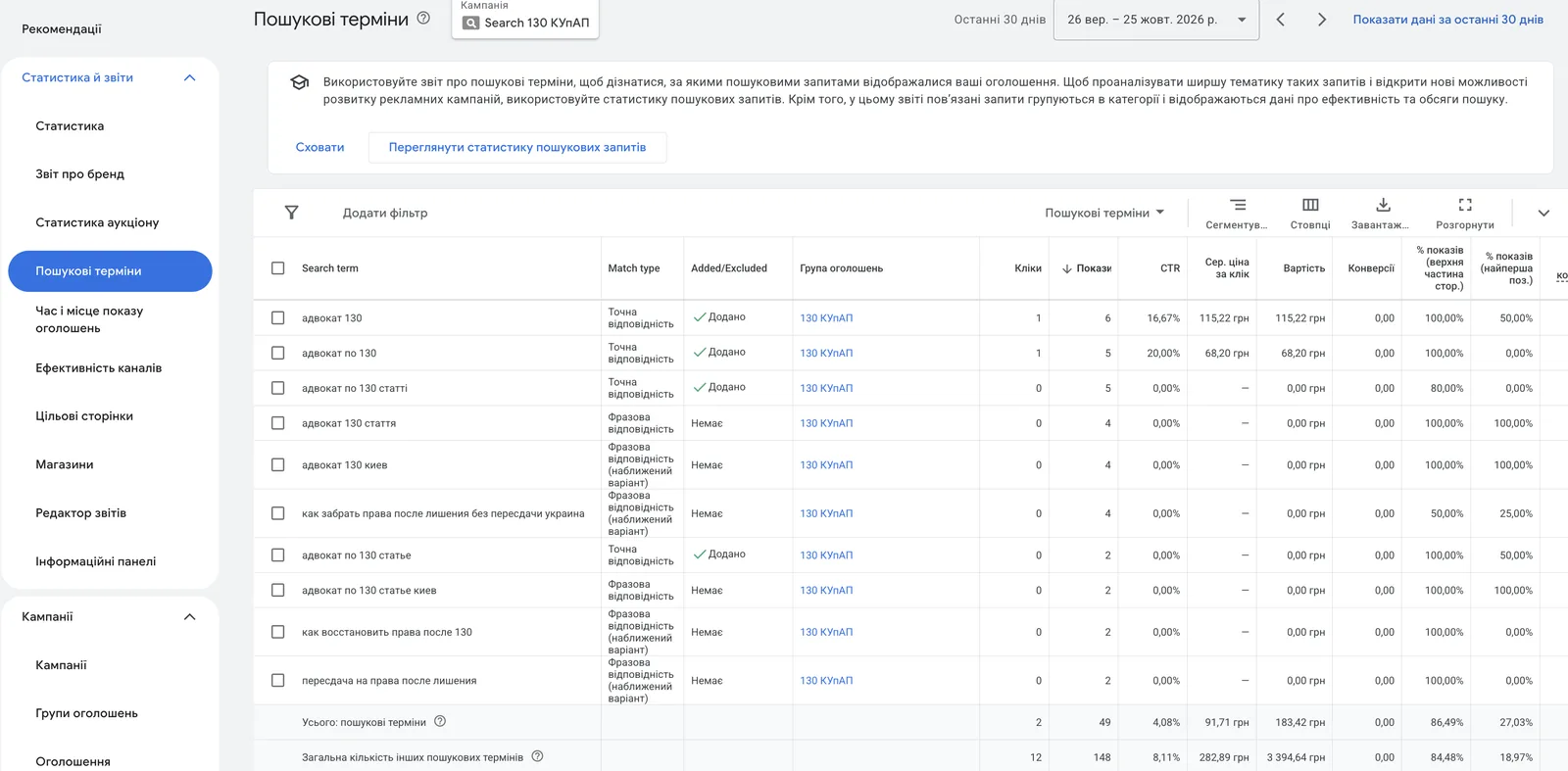
Why do you need this if you choose keywords yourself? Because ads show not for your keyword but for the person’s search term, and those are two different things. You add the keyword “sandblasting services”, and Google shows the ad for “sandblaster rental” or “sand for sandblasting”. What exactly people typed is shown in the “Search terms” report. Any work with negatives starts there.
And every year Google expands keyword matching further: broad match, automated bidding, Performance Max with no keywords at all. Negative keywords are one of the few control levers you have left.
How I clean search terms on a real project
The example in the video is a sandblasting and powder coating project in the Kyiv region. It’s one of my longest-standing clients, and there is a separate case study about it.
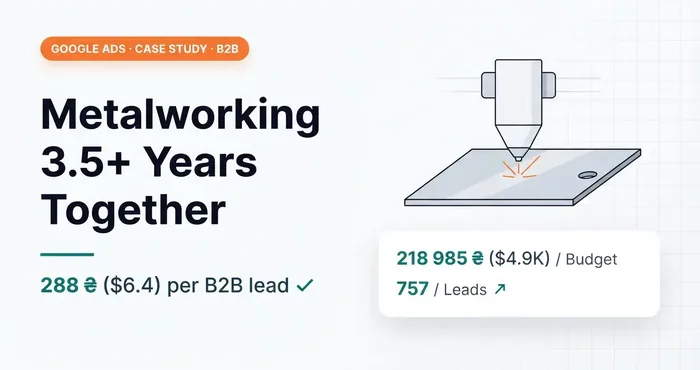 Google Ads case study · B2BGoogle Ads case study: B2B metal processing, 288 UAH ($6.4) per lead over 3.5 years of cooperation3.5 years with a B2B metal fabricator: HTML landing page, call tracking, Google Tag Gateway. 757 leads at 288 UAH ($6.4).
Here is what I excluded there and why:
- Equipment manufacturers. The company provides services, it doesn’t sell machines. Searches with equipment brand names miss the mark.
- “Rental”. The person wants to rent a machine and do everything themselves.
- “Sand”. People are looking for sand for sandblasting, to buy it.
- “Wheels”. Sandblasting and painting car wheels doesn’t interest the client: the conversion rate there is close to zero. So everything related to wheels goes into negatives.
- “Car”. The company doesn’t do anything car-related.
- “Chernivtsi”. Geotargeting is set to the Kyiv region, yet impressions for this search showed up anyway. The business is as local as it gets.
- “Right bank”. The workshop is on the left bank and outside the city. Past years showed that people from the right bank mostly don’t bring work here.
- “Argon welding”. Has nothing to do with this account.
- “What”, “how”. Informational searches: the person wants to understand, not to order.
These words are irrelevant for the whole account, so I add them at the account level in broad match. What that means — below.
How negative keywords save budget
You don’t pay for clicks from people who won’t buy from you. Every click on “sand for sandblasting” is money down the drain. Pennies each, but over a month a noticeable part of the budget.
You don’t enter auctions you don’t need. A Google Ads auction runs for every search. The fewer junk auctions, the more budget is left for relevant ones.
The algorithm learns from cleaner data. Irrelevant traffic sometimes even converts: a person calls to ask whether you sell sand. If the call counts as a conversion, smart bidding treats it as success and looks for more of the same. What Google considers a result at all, I explained in the article what a conversion in Google Ads is.
Three negative keyword match types
The main thing to understand: negative keywords don’t work like keywords. The types are the same — broad, phrase and exact — but the logic is different. A broad match keyword catches synonyms and searches with similar meaning. A negative keyword doesn’t expand to synonyms or other forms of the word. About match types for keywords themselves — the article keyword match types.
Once you understand how Google words these rules, you won’t have questions about negatives anymore. I’ll take the example from Google Help: the negative phrase “running shoes”.
Broad match
The default type, and Google itself calls it the standard for negatives. Written without symbols: running shoes. The ad won’t show if the search contains all the words of the negative phrase, in any order and with any other words around them. If even one word is missing, there is no block.
Phrase match
Written in quotes: "running shoes". It blocks searches where these words appear in exactly this order. Other words can come before and after. Phrase match doesn’t account for reordering, so “shoes running” passes.
Exact match
Written in square brackets: [running shoes]. The simplest type: it blocks only this exact search, word for word. Add one more word to the search and the ad shows.
| Search term | Broad | Phrase | Exact |
|---|---|---|---|
| running shoes | blocked | blocked | blocked |
| blue running shoes | blocked | blocked | shown |
| shoes running | blocked | shown | shown |
| running sneakers | shown | shown | shown |
| blue tennis shoes | shown | shown | shown |
Blocked — the ad won’t show, shown — it will.
Look at “running sneakers”. No type blocks it, because the word “shoes” isn’t there, and negative keywords don’t account for synonyms.
I mostly use broad. Especially at the account level: if a word is irrelevant to the business in principle, I don’t care in what order or next to what it appears in the search. Phrase — when individual words are fine but their combination isn’t. Exact — when I need to remove one specific search and keep longer ones with the same words.
“Flowers” doesn’t block “flower”: the main trap for Ukrainian-language accounts
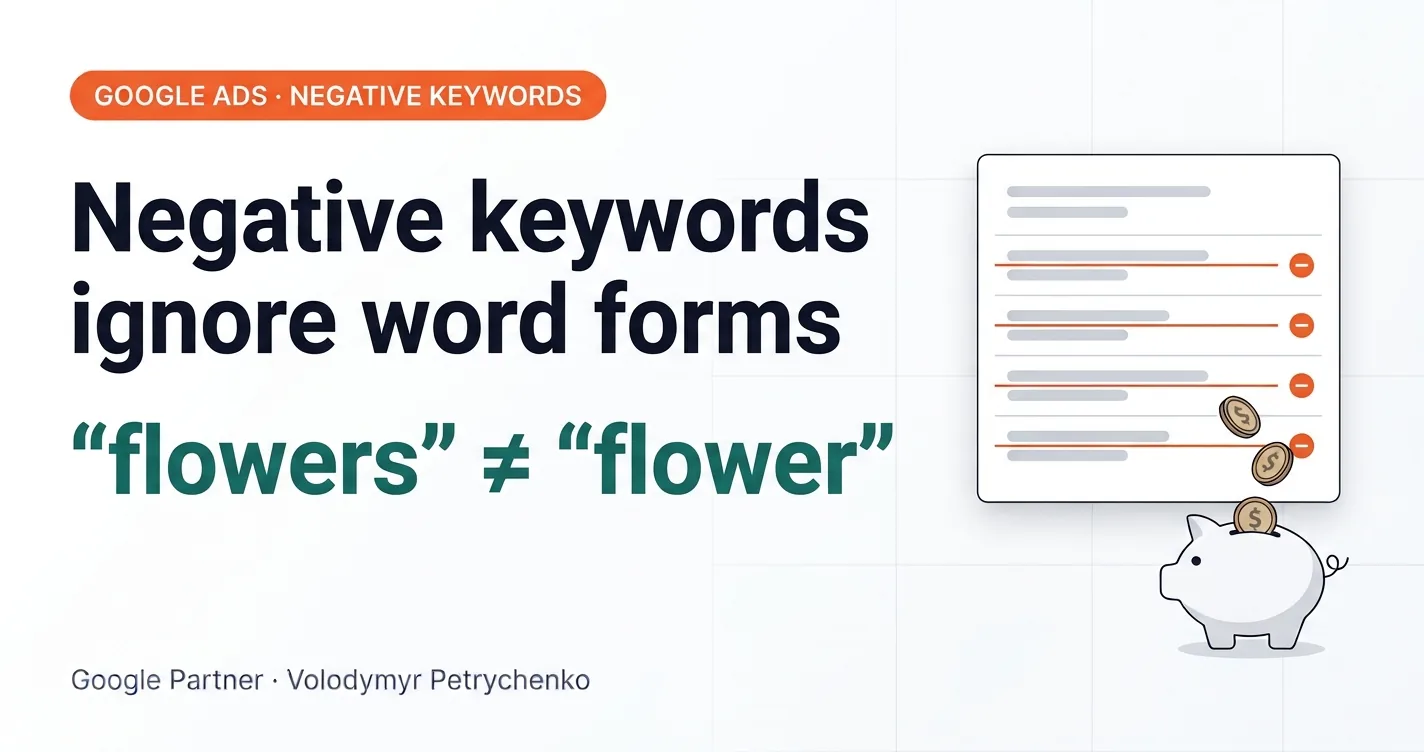
Negative keywords don’t block close variants: singular and plural, other cases, misspellings. An example from the same Google Help article: the negative keyword “flowers” in broad match blocks the search “red flowers”, but not “red flower”.
In English that’s a trifle: shoe and shoes. In Ukrainian, every noun has seven cases in the singular and as many in the plural. The negative keyword «диск» (wheel) doesn’t block «диски», «дисків» or «дисками». So if a word is irrelevant in principle, you have to exclude all its forms.
Here is how it looks in the negative list of the same account: «апарат» and «апаратом», «балончик» and «балончиком», «аргонне», «аргонний», «аргонове». To Google these are different words.
Plus a second language. People search in Ukrainian and in Russian, and also in a mix of both and with typos. «Оренда» doesn’t block «аренда». So word forms need to be added in both languages.
To avoid spending half a day on this, drop the word into ChatGPT and ask for all cases in singular and plural, in Ukrainian and Russian. AI is great for this. But I don’t recommend using it to invent keywords.
One more detail from Google Help, for completeness: if a search is longer than 16 words and the negative keyword comes after the 16th, the ad may show. I’ve never seen such searches.
Where to add negative keywords
There are four levels:
- Ad group. Apply to one group only.
- Campaign. Apply to the whole campaign, up to 10,000 negatives.
- Negative keyword list. One set connected to several campaigns at once. Up to 20 lists per account and up to 5,000 words in each.
- Account. Apply to all Search and Shopping impressions in the account, including Performance Max. The limit is 1,000 words.
My logic is this. Whatever is irrelevant to the business in general goes to the account level: jobs, rental of equipment the client doesn’t rent out, other cities for a local business. Whatever is irrelevant to one campaign but may be needed by another goes to the campaign or ad group level.
Performance Max. Campaign-level negatives became properly available here in spring 2025, when Google raised the limit from 100 to 10,000. They apply only to Search and Shopping impressions. They don’t affect YouTube, Display or Gmail.
Display and YouTube. Here negatives work differently: they filter out sites and videos by topic, not searches. All of them count as broad match, and a maximum of 1,000 is considered.
When negative keywords hurt
Google Help warns directly: choose negatives carefully, because with too many of them your ads will reach a limited number of people. In my experience it’s not the number that hurts, it’s carelessness.
One client came to me because he couldn’t see his ads and the results were mediocre. It turned out the previous specialist had excluded one of the key words for the business in broad match. I don’t remember the details anymore, but the word was as relevant to the topic as it gets. The ads skipped every search containing it, so potential clients simply never saw them.
The second story is my own mistake. I run ads for a private clinic in Dnipro. During the first cleanup I excluded doctors’ names at the account level. Later the clinic decided to test ads for individual doctors, and in the first week — not a single impression. I had excluded the most popular doctors myself. It’s physically impossible to remember what you added as negatives six months ago.
So, two rules. Before adding a word at the account level, think whether another campaign might need it someday. And when launching a new campaign, check that old negatives don’t block it.
How I work with negative keywords
At launch — a basic list: informational searches (“what is”, “how to”, “DIY”), jobs, “free”, other cities for a local business. Then I regularly review the “Search terms” report. Searches change, and new irrelevant ones appear even in a long-established campaign.
I do this by hand, not with an AI agent. When I review searches myself, I see how the audience searches: which wording signals readiness to buy and which shows the person is just curious. New negatives and new keywords both grow out of this. Handing it to an agent means losing touch with the audience.
By hand doesn’t mean slow. In the video above I show the MirachSEM plugin I used back then: you click a word in a search term, it goes to the list, and searches with the same word get highlighted. Then MirachSEM became paid, and I built a free alternative — NegPicker. It collects negatives right on the search terms page and adds them in bulk at the account, campaign or ad group level.
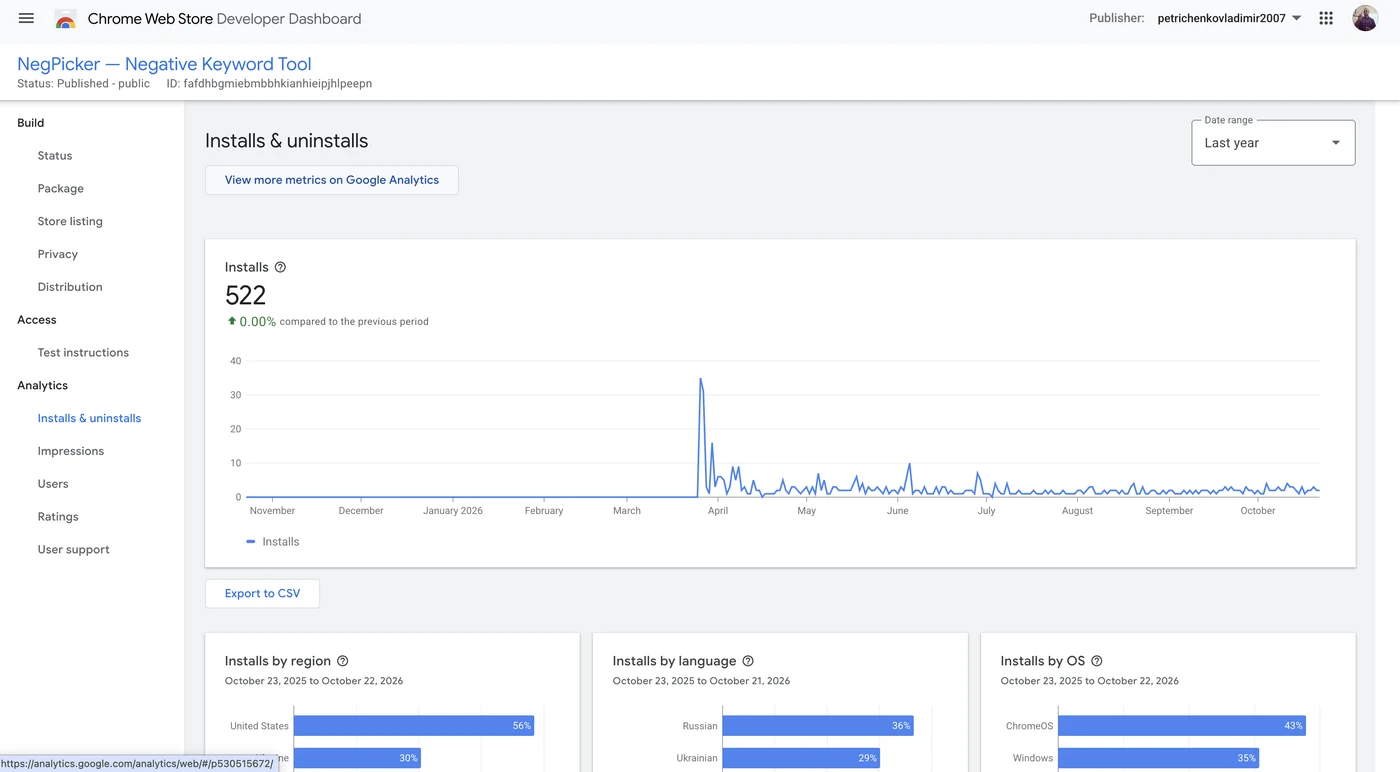
NegPicker — a free plugin for negative keywords in Google Ads

And no, nobody pays me for this ad. The plugin is mine. Why I built it myself and what it can do — I cover separately.
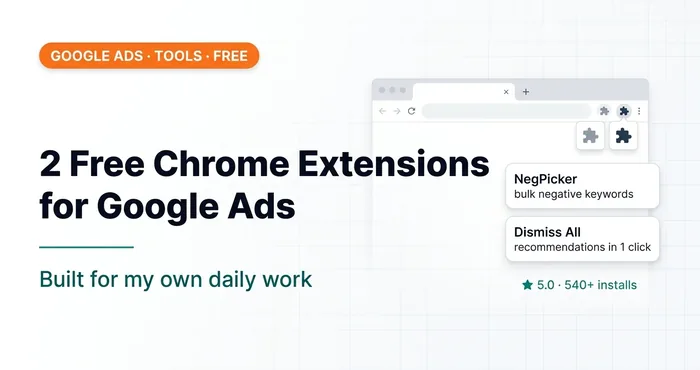 Google AdsTwo Free Chrome Extensions for Google Ads I Built for MyselfNegPicker and Dismiss All Recommendations — extensions for adding negative keywords in bulk and dismissing recommendations in one click.
Check your account
A few questions an owner can ask themselves or their contractor:
- Are there any negative keywords in the account at all? In the VR club audit there wasn’t a single one at either the account or campaign level.
- When did someone last review the “Search terms” report?
- Are irrelevant words added in all cases and in both languages?
- Are there words describing your product among broad match negatives?
- Do old account-level negatives block new campaigns?
Conclusion
Negative keywords are basic hygiene for Google Ads. A one-time cleanup at launch doesn’t work. Broad match by default, all cases and both languages always, account level with care. And no plugin replaces regularly looking yourself at what the people who see your ads are searching for.
03 — AuditGoogle Ads account auditI find where the budget leaks: structure, bidding, keywords, conversion tracking, website.
Where to find me
Message me on Telegram or by email — I respond quickly. Telegram channel and YouTube are for those who want to see real cases before reaching out and understand my approach.