
Marketer, analyst, ex-CMO focused on the Google ecosystem (Ads, Merchant Center, GA4, GTM). Google Partner. 150+ projects, 100+ positive reviews on Freelancehunt, 12+ countries.
- I work directly, with no account managers or subcontractors
- I measure results in sales, not in-platform conversions
- Maximum expertise in the Google ecosystem
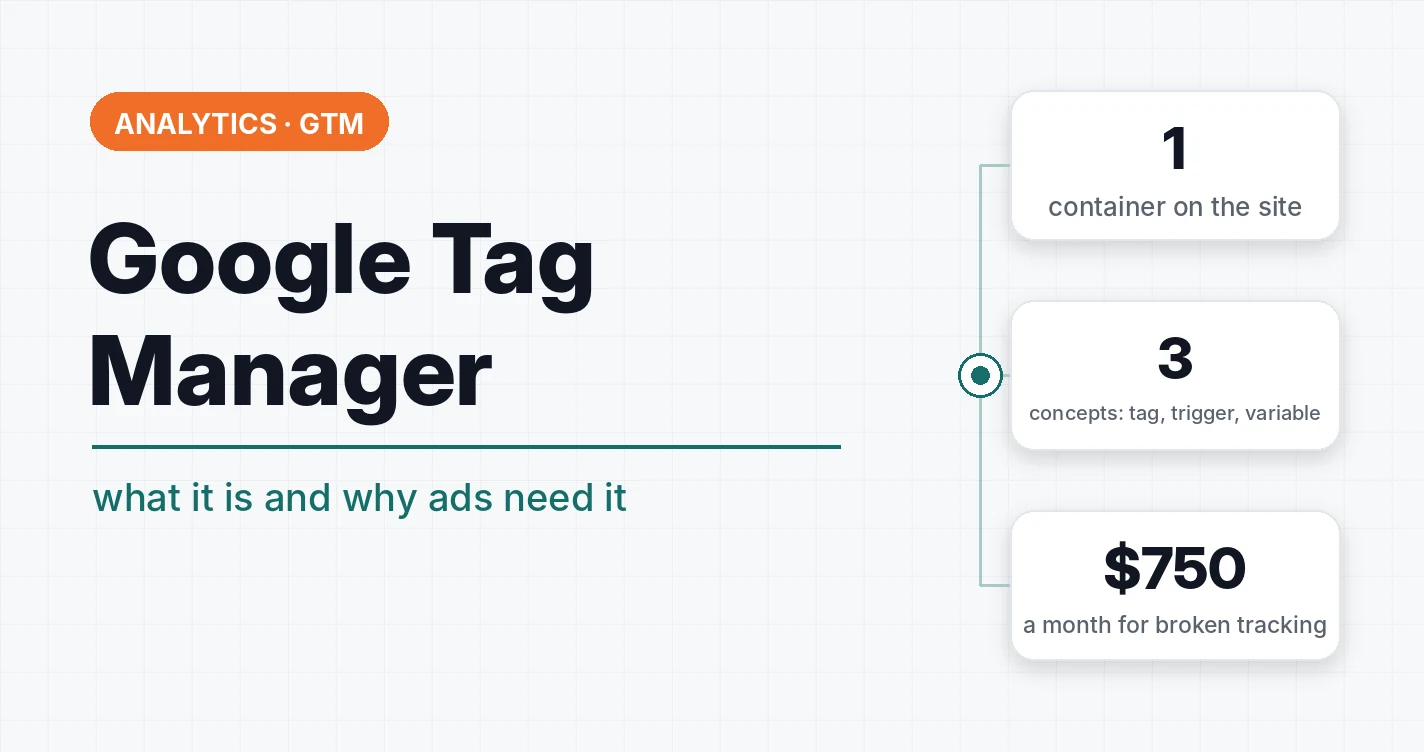
Google Tag Manager (GTM) is a free Google tool for adding analytics, advertising and tracking codes to a website without editing the site’s code every time. You install the GTM container once, and from then on all pixels, events and conversions are set up in its interface.
I work with GTM on every project. This is where the things your ads later learn from break most often. Below, in plain words: how it works, why a business needs it and what to check if a contractor sets it up for you.
Contents
Why GTM if you can just paste code into the site
Without GTM, every new code — Google Analytics, Google Ads, Meta pixel, call tracking, chat — has to be pasted into the site templates by a developer. Every change means a task for the developer, waiting and the risk of breaking something.
With GTM, one container goes on the site, and then:
- the marketer adds and changes tags without a developer;
- everything is visible in one place: what is on the site and when it fires;
- every change is saved as a version, and any of them can be rolled back;
- changes can be checked in preview mode before publishing.
For ads this means speed. A new conversion type or a tracking fix takes minutes, not a week in the developer’s queue.
Three concepts everything rests on
| Concept | What it is | Example |
|---|---|---|
| Tag | what to send and where | a generate_lead event in GA4, a Google Ads conversion |
| Trigger | when to fire | form submission, “Thank you” page view, click on the phone number |
| Variable | which value to pass | order value, product ID, button text |
A tag without a trigger does nothing. A trigger without the right logic does too much. And that is where most problems are.
What I set up through GTM
- GA4 events and Google Ads conversions. Leads, purchases, calls — passing the value where there is one.
- Enhanced e-commerce. Product views, cart, checkout and purchase with product data.
- Storing UTM tags and gclid in cookies so they reach the CRM together with the lead. Without this the CRM doesn’t know which ad the client came from.
- Consent Mode for European sites, so ads and analytics follow the consent rules.
- Google Tag Gateway — tags load through your own domain, and part of the data that blockers used to cut comes back.
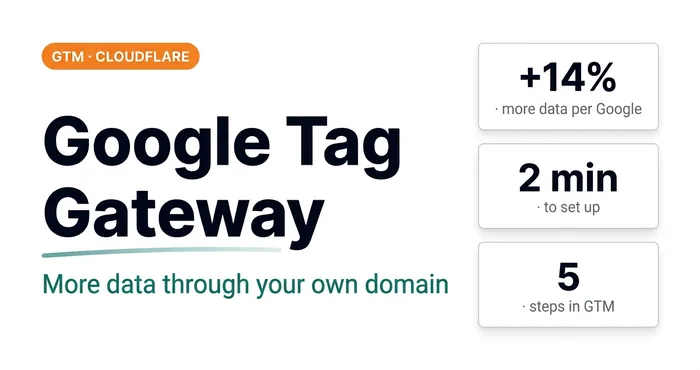 Analytics · GTMGoogle Tag Gateway: +14% More Data in 2 Minutes via GTM and CloudflareWhat Google Tag Gateway is, why you need it and how to set it up via Google Tag Manager and Cloudflare in 2 minutes. A step-by-step guide with screenshots.
GTM mistakes that cost money
Once I reviewed tracking that an agency had set up for a client for $750 a month. Honestly, it made me feel sick. Here is what was there, and what I see in many other accounts.
Every messenger click is a “conversion”. Every non-unique click goes into analytics. One user tapped WhatsApp 10 times, or a bot did — and bots show up in Performance Max quite often. You see 100 WhatsApp clicks and not a single lead.
Email click instead of copy. Show me someone whose mail app opens when they click an email address. Copying the address is a much clearer intent.
A form submission event on every refresh of the “Thank you” page. A “thank-you page view” trigger fires every time someone refreshes the page or comes back to it. One lead turns into 10.
form_submit as a conversion. A standard automatic GA4 event that fires on any form submission, including site search and failed attempts. Never use it as your main conversion.
The danger isn’t that the report numbers are off. The danger is that Google Ads learns from those numbers. It looks for people who click messengers and refresh the “Thank you” page, not for people who buy.
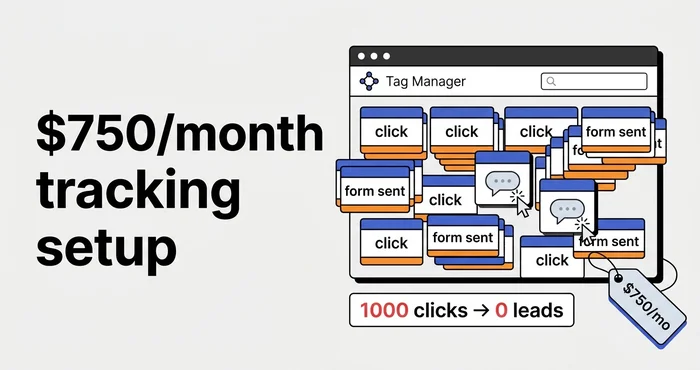 Analytics · GTM$750-a-Month Tracking: How an Agency Set Up Google Tag ManagerHow agencies set up Google Tag Manager tracking for $750 a month: non-unique clicks, email clicks, form events and thank-you page duplicates. A breakdown.
Key point: GTM itself doesn’t count anything wrong. Triggers set up without understanding what the ads will learn from are what count wrong.
How to check your GTM even if you’re not technical
- Open preview mode in GTM and go through the client’s path: visit the site, send a test lead. See which tags fired and how many times.
- Refresh the “Thank you” page. If the lead event fired a second time, you have duplicates.
- Compare Google Ads conversions with CRM leads for a week. If the account shows several times more, the tracking counts the wrong thing.
- Check who has access. The GTM container should belong to the business, and the contractor should be an added user. How to grant access properly — in the guide to access for Google services.
What is worth counting as a conversion at all — in the article what a conversion in Google Ads is.
Server-side GTM
A separate version is the server container (sGTM). Data from the site first goes to your server and only then to GA4, Google Ads and other systems. This gives more control over the data and resilience to some blocking. I set it up on my own site too, and in the article I explain who needs it and who doesn’t yet.
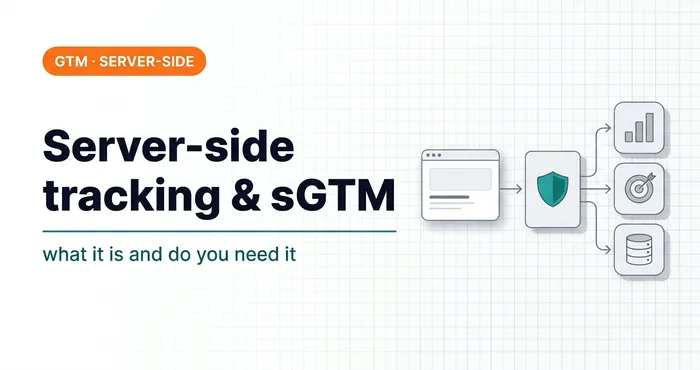 Analytics · GTMServer-Side Tracking and sGTM: What It Is, How It Differs from Regular GTM and Google Tag Gateway, and When It Makes SenseWhat server-side tracking and sGTM are, how they differ from regular GTM and Google tag gateway, when they pay off and when not, and what hosting costs.
If tracking needs to be set up from scratch or you want to check what a contractor did — GTM and GA4 conversion tracking setup.
Where to find me
Message me on Telegram or by email — I respond quickly. Telegram channel and YouTube are for those who want to see real cases before reaching out and understand my approach.