
Marketer, analyst, ex-CMO focused on the Google ecosystem (Ads, Merchant Center, GA4, GTM). Google Partner. 150+ projects, 100+ positive reviews on Freelancehunt, 12+ countries.
- I work directly, with no account managers or subcontractors
- I measure results in sales, not in-platform conversions
- Maximum expertise in the Google ecosystem
A suspended ad account is one of the most common reasons new people come to me. Usually when everything is already on fire: ads are off, sales are dropping, appeals come back rejected, and support answers with templates.
Below I go through the main reasons Google suspends an account or stops ads, what to do in each case and how to avoid a suspension altogether. No magic buttons: everything comes from my practice.
Contents
- First, figure out what exactly is blocked
- Reason 1. Advertiser verification not completed
- Reason 2. Business operations verification (BOV)
- Reason 3. “Circumventing systems”
- Reason 4. Suspicious payment activity and debts
- Reason 5. “Compromised site”
- Reason 6. Topic and ad policies
- What to do if the account is already suspended
- How to avoid a suspension
- FAQ
First, figure out what exactly is blocked
By “block” people mean completely different things, and the solutions differ.
| What you see | What it means |
|---|---|
| Red banner “Your account is suspended” | the whole ad account is suspended, ads are stopped |
| Ad status “Disapproved” | a problem with a specific ad, site or topic; the account works |
| “Limited” in the ad status | ads run, but with policy restrictions |
| A request to pass a check with a deadline | not a suspension yet, but it will be if you miss it |
| A block in Merchant Center | product ads are blocked, while search may keep running |
Merchant Center is a separate story with its own causes. I wrote about it in the article on the autumn “merchantopad”.
Reason 1. Advertiser verification not completed
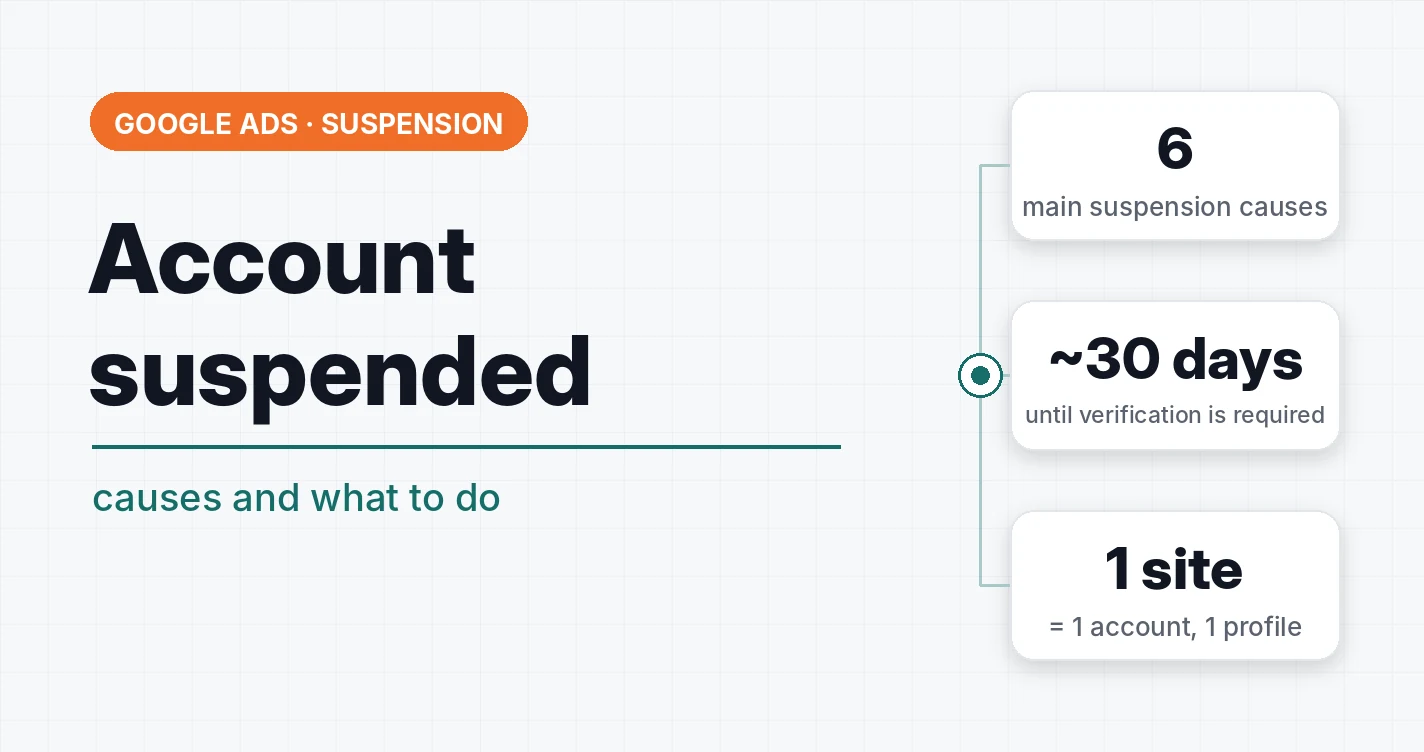
The most common reason I work with. Google starts verification about 30 days after the account is registered. Miss the deadline or upload the wrong documents, and the account is suspended until you pass it.
Typical mistakes:
- A sole proprietor (FOP) registered as an organization. For Google, an FOP is an individual. An FOP doesn't have the documents required from organizations, so verification fails.
- Profile data doesn't match the documents. The payment profile was filled in under an invented name, while the documents are in the real one.
- Registration in the Donetsk or Luhansk region. A separate unofficial nuance that can be solved, but it's better not to go through verification blindly with such documents.
In detail, with three cases: I failed advertiser verification: what to do next, and for legal entities, LLC verification in Google Ads.
Reason 2. Business operations verification (BOV)
A separate check of what exactly the business does. It happens less often but scares people more, because the form is large. In reality there's nothing complicated: read carefully what they ask for and provide exactly that.
I had a combo case: a wrong payment profile, a missed verification deadline, a suspension, and after advertiser verification, a requirement to pass BOV as well. We passed everything.
Reason 3. “Circumventing systems”
The most unpleasant suspension, because Google almost never explains what exactly it didn't like. Formally these are attempts to get around the rules: hiding the real site content from review, creating new accounts instead of suspended ones, repeating prohibited ads in another account.
In practice, people who planned nothing of the sort often end up here too. Typical situations:
- a new account was created from the same payment profile as the suspended one;
- one account holds several sites, and one of them has problems;
- sharp site changes right after ad review.
That's why my rule is: 1 site = 1 Google Ads account, 1 analytics, 1 GTM, 1 Merchant Center. And every account gets its own payment profile. Google doesn't forbid one profile for several accounts, but if one of them gets “Circumventing systems”, all linked ones suffer. I wrote about this in Google Ads FAQ #2.
Reason 4. Suspicious payment activity and debts
Declined payments, someone else's card, a card that was already used in a suspended account, an unpaid debt. Google is very sensitive to anything involving money.
Separately about payment lapses: even if it doesn't come to a suspension, stopping ads because of non-payment hurts campaigns badly. They may go back into learning, and nobody guarantees the previous results will return.
Reason 5. “Compromised site”
Here it's not the account that is blocked but the site: ads get disapproved. But for the business there's no difference: ads are off.
I had two such cases, and neither was connected to a real virus. In the first, the problem was the domain: someone had used it before and it ended up on a blacklist. Appeals didn't help, and support kept repeating the same thing like a parrot. Replacing the domain solved it. In the second case, the cause turned out to be the call tracking code in Google Tag Manager.
 Google AdsCase: a “Compromised site” in Google Ads. How to Fix It?Ads disapproved for “Compromised site” but your site is clean? Two real cases: a problem domain and Binotel call tracking code in Google Tag Manager.
Reason 6. Topic and ad policies
Some niches require separate certification or documents: finance, medicine, gambling, alcohol. Without them, ads won't pass review or the account gets restrictions.
And a separate Ukrainian nuance: advertising in a non-state language. This isn't a Google block but a risk of a fine from the state. I covered the case with a request from the consumer protection service in the article on advertising in a non-state language.
What to do if the account is already suspended
- Read the reason. It's given in the banner or in the “Policy manager”. Everything else depends on it.
- Don't create a new account. This is the most common mistake. A new account with the same data, card or site will very likely get “Circumventing systems”, and then you'll have two problems.
- Fix the cause before appealing. An appeal without changes usually comes back rejected. Documents, payment profile, site: put them in order first.
- Appeal with specifics. What was wrong and what exactly you changed. General phrases like “we didn't violate anything” don't work.
- Don't rely on support alone. It doesn't look for the cause together with you. If the block is unclear, you have to find the solution yourself, based on your own analysis.
Key takeaway: most suspensions could have been avoided: a correct payment profile, verification right after creating the account and a separate account for each site.
How to avoid a suspension
- Pass advertiser verification right when creating the account, without waiting for a request. That's exactly what I do.
- Fill in the payment profile exactly according to the documents: name, company name, address, profile type.
- One site, one account and a separate payment profile.
- Watch your balance and cards: payment lapses hurt even without a suspension.
- Don't change the site sharply after review and don't send ads to pages that aren't in the ads.
- Check the notifications in the account. Google usually warns in advance, and there is time to fix things.
If the block is already there and you can't remove it yourself, see Google Ads account unblocking.
Where to find me
Message me on Telegram or by email — I respond quickly. Telegram channel and YouTube are for those who want to see real cases before reaching out and understand my approach.