
Marketer, analyst, ex-CMO focused on the Google ecosystem (Ads, Merchant Center, GA4, GTM). Google Partner. 150+ projects, 100+ positive reviews on Freelancehunt, 12+ countries.
- I work directly, with no account managers or subcontractors
- I measure results in sales, not in-platform conversions
- Maximum expertise in the Google ecosystem — instead of “PPC, social ads and SEO, all in one”
A big share of the outside requests I get are about advertiser verification in Google Ads. People run into trouble with it all the time. In this article we’ll go through the causes, look at three cases from my practice and find a solution that will take this problem off your list for good.
Contents
- When people come to me about verification
- What advertiser verification is and when it kicks in
- Two types of payment profiles: individual and organization
- Case 1: a sole proprietor registered as an organization
- Case 2: profile data doesn’t match the documents
- Case 3: the combo — wrong profile, missed deadline and BOV
- How to pass verification on the first try
- Niches with additional checks
- Conclusion
- FAQ
Google Ads Account Suspended over Verification: What to Do and How to Recover Fast

When people come to me about verification
Most often, when everything has already failed or the deadline is on fire.
What happens if you fail verification? Your ad account gets blocked until you pass it. It’s especially unpleasant when your ads have been running for two months and then Google suddenly says “surprise” and the account gets banned. Ads stop, revenue stops, and you get a pile of headaches. You try to fix it yourself, but it doesn’t work.
Why it doesn’t work — let’s figure it out below.
What advertiser verification is and when it kicks in
Advertiser verification is mandatory. You can work without it for a while, but sooner or later it will come.
On average, Google triggers it about 30 days after the ad account is registered. Sometimes that period passes and nothing happens. And sometimes it goes like this: 30 days are up, you missed the deadline — you get blocked.
Over the years I’ve verified hundreds of payment profiles. Individual or legal entity, Ukraine, Germany or the US — the procedure is more or less the same. It can differ slightly between countries, but in essence it’s the same thing.
It’s important not to confuse two things:
- advertiser verification — confirming the person or organization paying for the ads. That’s what this article is about;
- Business Operations Verification (BOV) — a separate check of what exactly the business does. It happens less often, so I won’t go into detail here; I’ll cover it separately. I recently had a successful BOV case: there’s nothing complicated about it, but for some reason people always struggle with it.
Then there are niches where Google requires additional documents. But that’s not about advertiser verification anymore — it’s about Google Ads’ own requirements for certain topics. More on those at the end of the article.
Two types of payment profiles: individual and organization
I’m mostly talking about Ukraine, since that’s my main focus.
Google Ads has two types of payment profiles:
- individual;
- organization — LLCs, charities and nonprofits, law firms, i.e. any legal entity.
A sole proprietor (FOP, the Ukrainian individual entrepreneur status) is not an organization. That’s the first thing to get straight.
Key point: for Google, a sole proprietor is an individual, not an organization.
Case 1: a sole proprietor registered as an organization
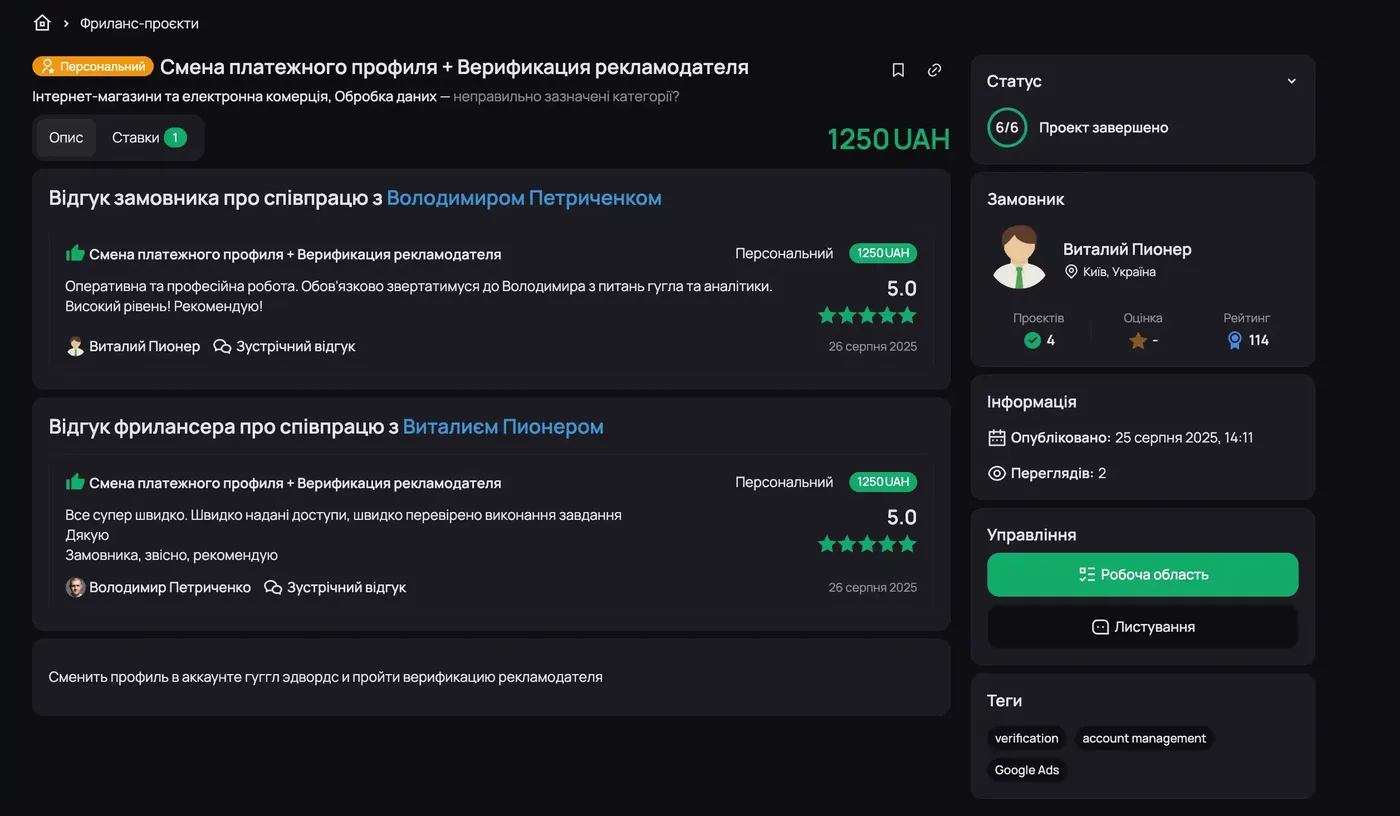
The person set their payment profile as an organization and filled in their sole proprietor details there. Everything worked until verification came around. When it did, Google simply wouldn’t accept the documents. Because a sole proprietor doesn’t have the documents Google requires from organizations.
This is the mistake I run into most often. The fix is to switch the payment profile to the correct type and pass verification as an individual.
Case 2: profile data doesn’t match the documents
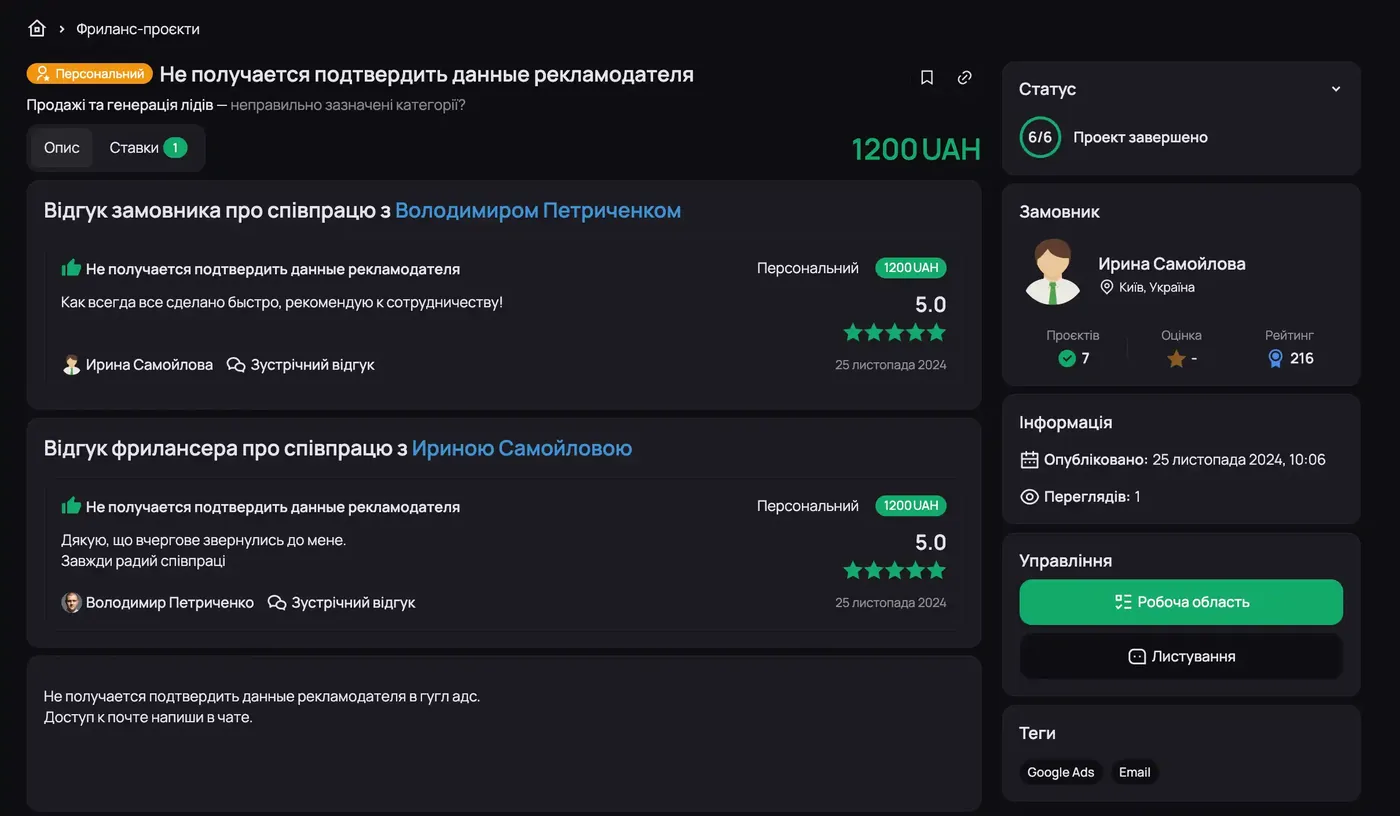
A classic story. When the account was created, the payment profile was filled in not under the person’s real name but as “Fluffy Kitten”. At the start Google let it all through, ads are running, all good. Then verification arrives — and the person has no documents for “Fluffy Kitten”. Only documents in their real name.
So Google, naturally, doesn’t let it through, and the person goes looking for someone to fix it.
Hence the second recommendation: fill in the payment profile carefully when you create the account. Last name, first name, organization name, address — everything exactly as in the documents.
Even if something goes wrong on day one of verification, you’ll still have 29 days before the deadline, instead of dealing with it when the account is already blocked.
Case 3: the combo — wrong profile, missed deadline and BOV
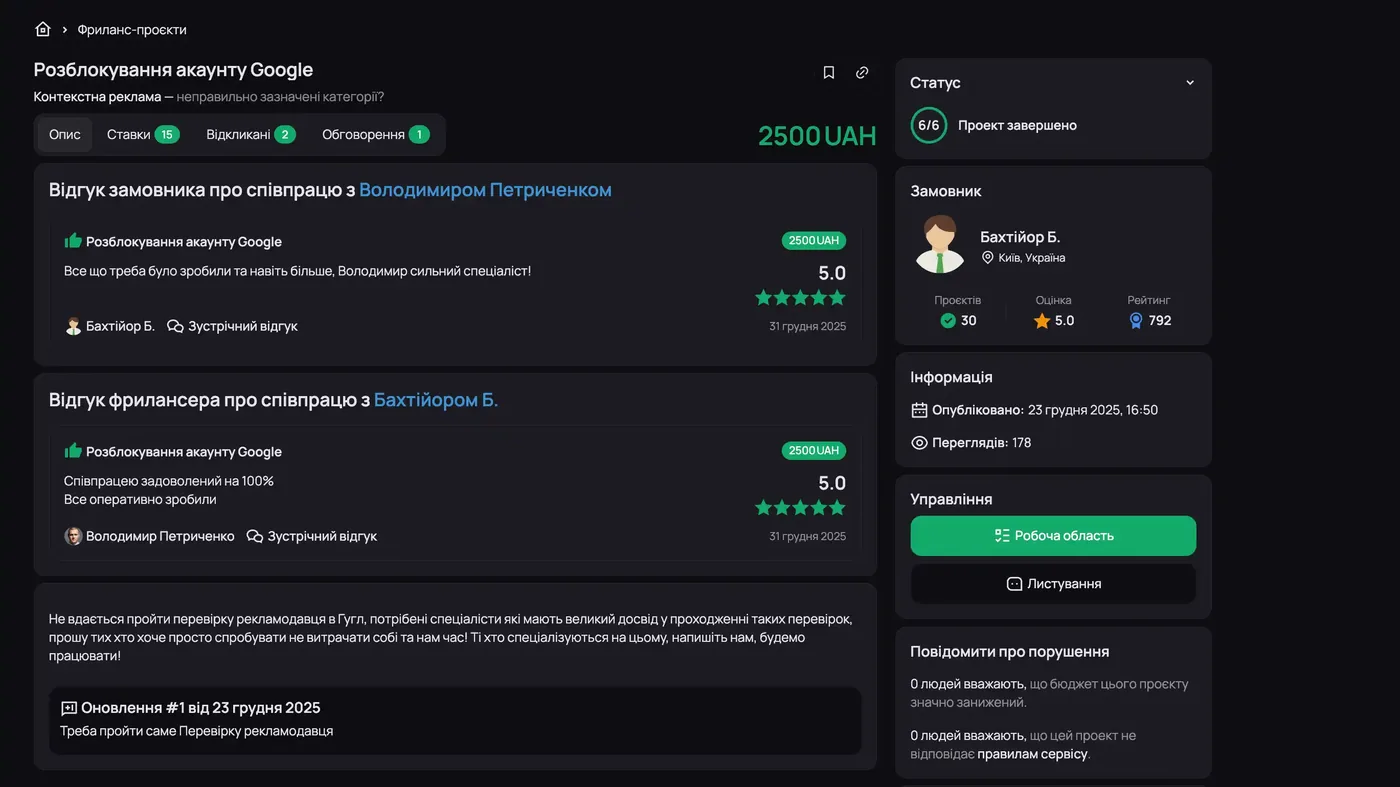
This one had a whole set of issues, two in one:
- First, the payment profile was filled in incorrectly.
- Then the verification deadline expired too — the account got blocked.
And after we verified the advertiser, a request came in to pass Business Operations Verification (BOV) as well. I got through that without any problems too. The form is fairly long, but there’s nothing difficult about it: read carefully what it says and provide exactly what they ask for. Then there won’t be any questions.
How to pass verification on the first try
1. Choose the right payment profile type. An individual (including a sole proprietor) means an individual.
2. Complete verification early. I do it right when I create the ad account: create the account — pass verification immediately. So I never have to come back to it.
Exception: sometimes verification resets on Google’s side and you have to go through it again. Nothing complicated, same procedure.
3. Prepare the right documents.
Documents for an individual (and a sole proprietor)
You need a photo of one document. Not a scan, not a screenshot — a photo. I recommend:
- a driver’s license;
- an ID card;
- a biometric passport.
Google doesn’t accept the old-style Ukrainian passport booklet: it has no expiration date.
Photo requirements: all elements clearly visible, good lighting, no cropped edges and no glare.
Sometimes an individual may be asked for a proof-of-address document. I haven’t run into this lately, but if they ask — use a fresh proof-of-residence extract from Diia (the Ukrainian government services app). It must be issued no more than 60 days ago, so it’s easier to generate the PDF in the app right before uploading. That document always goes through.
If the registration is in the Donetsk or Luhansk region
There’s an unwritten nuance here. The Donetsk and Luhansk regions, regardless of which part of the territory we’re talking about, fall under de facto US sanctions. Just a few years ago, if the place of registration in these regions was listed during verification, the account was blocked instantly. Then you had to prove you live in territory controlled by Ukraine.
This can be solved — I’ve done it many times. For example, there was a case: verification for an LLC whose director was registered in Kramatorsk. Changing the registration was impossible, changing the director too. With the help of certain tools we managed to resolve the situation and verify the advertiser.
But it’s better not to let it get there. If you see the Donetsk or Luhansk region in your documents, don’t try to go through verification with them blindly. You’ll waste time, and then pay for unblocking on top of that.
Documents for LLCs and other organizations
I covered LLC verification in detail in a separate article — Google Ads Advertiser Verification for an LLC — Complete 2026 Guide. In short:
- any founding or registration document — for example, an extract from the Unified State Register or an extract from the VAT payer register;
- the director’s documents — the same as for an individual.
Fill it in, pass verification, and forget about it like a bad dream.
Niches with additional checks
For some topics Google requires additional confirmation. I’ve dealt with this in legal and financial services — areas where the business involves licenses. For example, a US project offering visa services. Another example, also in the US, is selling vitamin shots: that kind of product requires certification there, so you can’t just advertise it.
Nothing complicated there either. Just one more package of documents.
Conclusion
Most often, verification problems come from a mismatch between the payment profile data and the documents. It seems like an obvious thing, but it’s exactly where most people trip up.
Key point: advertiser verification is not a complicated procedure. A correctly filled payment profile and the right documents of proper quality solve almost every problem.
Even if you made a mistake at the start, it’s not a big deal: everything can be fixed. I’ve verified more than 200 advertisers in Google Ads, and for me it’s a routine task.
If verification still won’t go through or your account is already blocked — get in touch, I’ll help. Contacts are on this page.
If the account is already suspended and you can’t sort it out yourself — Google Ads account unblocking, paid on result.
Where to find me
Message me on Telegram or by email — I respond quickly. Telegram channel and YouTube are for those who want to see real cases before reaching out and understand my approach.