
Marketer, analyst, ex-CMO focused on the Google ecosystem (Ads, Merchant Center, GA4, GTM). Google Partner. 150+ projects, 100+ positive reviews on Freelancehunt, 12+ countries.
- I work directly, with no account managers or subcontractors
- I measure results in sales, not in-platform conversions
- Maximum expertise in the Google ecosystem — instead of “PPC, social ads and SEO, all in one”
People don't usually talk about this out loud. But I'll say it straight: there are competitors who deliberately sabotage your ads. Not just click fraud — that's old news. They place fake orders, submit fake leads through forms, and make fake clicks on your phone number. The goal is one: to break your Google Ads algorithms.
Contents
And it works — if you don't know how to protect yourself.

Conversion Adjustments in Google Ads: A Method That Works for Everyone

Why this is far more serious than it seems
Google Ads learns from your conversions. It looks for an audience similar to those who have already converted — by behavior, device, location, time. If fake conversions get into the system, the algorithm learns from the wrong people. And starts showing ads to exactly those people. That is, to competitors or whoever they hired.
The result: ads are shown to the wrong audience, costs go up, real orders go down. And you can't figure out why.
This hits Performance Max especially hard. These campaigns are built on machine learning — and distorted data breaks them especially fast. They start performing worse than before. You keep the budget running, change nothing, and results drop.
Why do competitors do this? The logic is simple and absurd at the same time: they think that if they break everyone else's ads, they'll be the only ones left on the market. But the market is bigger than they imagine. The most striking niche where this happens all the time is cargo taxi services in Kyiv. Though every competitive niche has characters like this.
Four methods of protection — and why three of them are “band-aids”
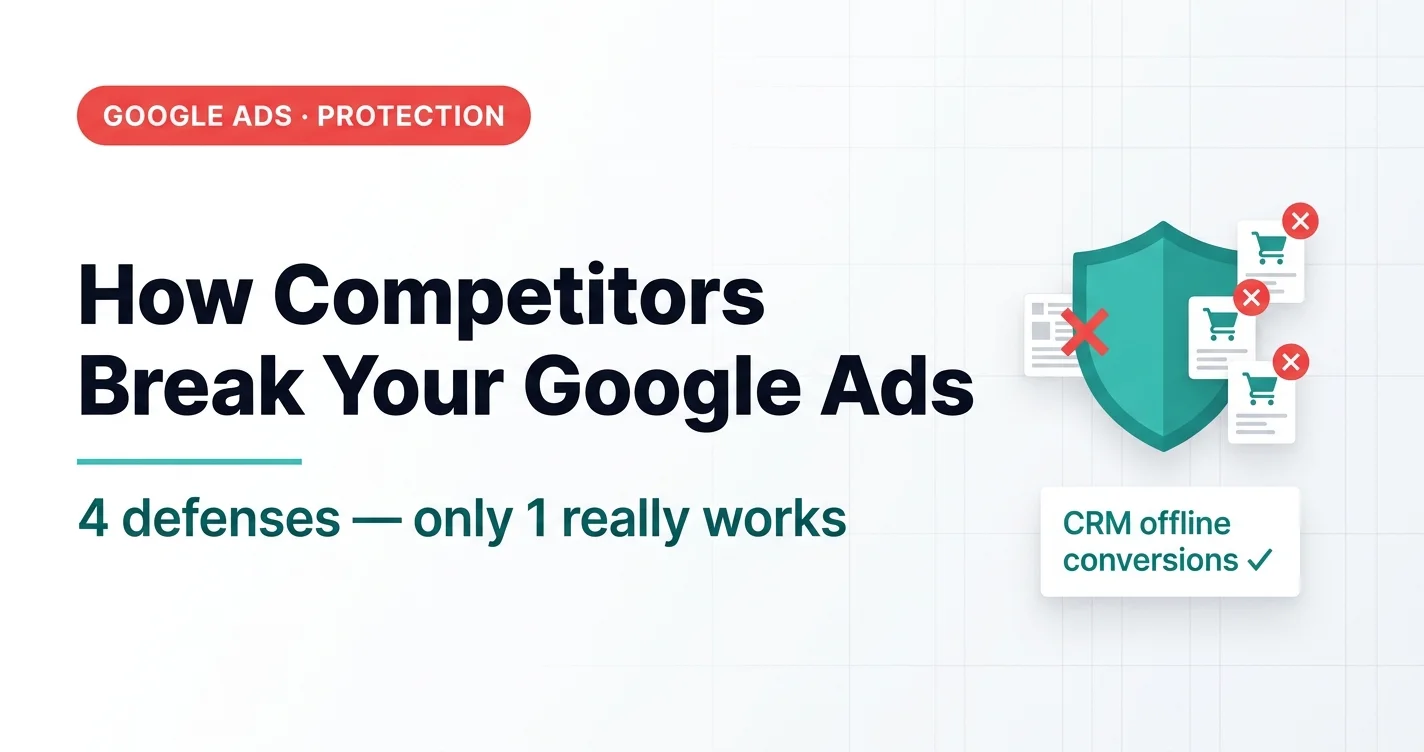
Honestly: I call the first three methods band-aids. They'll filter out the least sophisticated attackers — but won't protect you from someone who knows a bit about technology. The only method that truly solves the problem is the fourth.
Method 1 — order amount limit via GTM
Only for online stores with Google Tag Manager.
Fake orders are often placed for large amounts — to distort the algorithm as much as possible. If your median order value is 10,000 UAH ($222) and orders of 25,000 UAH ($556) practically never happen, you set a condition in GTM: orders above a certain amount simply aren't sent to Google Ads and GA4.
Quick to set up. Works immediately. But if a competitor places lots of small fake orders, it won't help.
Method 2 — cookie filtering
For online stores and lead generation.
At the moment of the first order, you write to the browser's cookies that this user has already converted. The next order from the same browser within a set window — the event doesn't fire and doesn't get into the system. Implemented with a GTM script, no developer needed.
The problem: incognito mode, anti-detect browsers, different devices — and there are no cookies at all. The method is easy to bypass.
Method 3 — filtering via GA4 audiences (for Prom.ua and platforms without GTM)
If you don't have access to GTM — for example, a store on Prom.ua (a Ukrainian marketplace platform) — you can implement similar logic through GA4.
You create an audience with the condition “order below a certain amount”, enable the option “Log an additional event when audience membership is updated” — and use that event as your optimization goal instead of the standard Purchase. All of this is under “Admin → Data display → Audiences”.
Available even without GTM. But the same problem — filtering happens on the client side, not the server. It can be bypassed.
Method 4 — offline conversions from CRM. The only one that really works
All three previous methods can be bypassed because they work on the browser side. The CRM method can't. Because it works on the server side.
The idea is simple: only verified data gets into Google Ads.
For an online store — only orders that were actually paid for. A fake order will never be paid. So it will never get into the system as a conversion.
For lead generation — only leads the manager marked as qualified in the CRM. A fake lead gets the “spam” status or stays without a status — and simply never reaches Google Ads.
The algorithm sees only real customers. It learns from them. No competitor can slip in a fake — because even if they fill out the form, the manager won't mark them as “qualified”.
What you need to implement it: a CRM system, integration with Google Ads via the Offline Conversions API, and discipline from managers when assigning statuses.
As for the CRM: for online stores, off-the-shelf solutions like SalesDrive and KeyCRM work well. For lead generation or small projects where a dedicated CRM would be overkill, I provide clients with my own CRM system as part of my service package. It works with any standard CMS or custom solution, sends data via API, and can be adapted to the specifics of a particular business when needed.
Bonus: the same approach drives growth even without competitor attacks
Sending verified data from the CRM solves more than just the protection problem. It solves a bigger issue: the algorithm gets truthful data and learns from real customers — not from raw orders from the website.
This exact approach is at the heart of the case where the client's gross profit ROMI grew from 37% to 212% in 5 months — there the task was to filter out low-margin B2C and keep only B2B signals. Same mechanics: quality signal in, quality result out.
The bottom line
Google Ads works with the data you give it. Feed it garbage — you get garbage results. Feed it quality data — you see growth. Competitors may try to slip fakes into the system. But if you have the right filter, their actions simply never reach the algorithm.
If you feel competitors are interfering with your ads, or you want to protect your campaigns in advance — get in touch.
Ordering a separate “competitor analysis” for Google Ads, on the other hand, rarely makes sense — I explain why in “Google Ads Competitor Analysis: a Service With Zero Practical Value”.
If you do not have a CRM, you can still protect yourself from fake orders — with a simple web interface for sending qualified leads and sales: “Google Ads Offline Conversions Without a CRM”.
How competitor complaints kept getting a domain blocked and what helped — see the overseas employment agency case study.
How to check impressions without clicking your own ads — see why you can’t see your own ads even though they’re running.
Where to find me
Message me on Telegram or by email — I respond quickly. Telegram channel and YouTube are for those who want to see real cases before reaching out and understand my approach.