
Marketer, analyst, ex-CMO focused on the Google ecosystem (Ads, Merchant Center, GA4, GTM). Google Partner. 150+ projects, 100+ positive reviews on Freelancehunt, 12+ countries.
- I work directly, with no account managers or subcontractors
- I measure results in sales, not in-platform conversions
- Maximum expertise in the Google ecosystem
UTM tags are a tail on a link that tells analytics where a person came from. It sounds trivial, and most people treat it that way. Then it turns out that half of the sales in the CRM have no source, GA4 is full of direct traffic, and nobody can say which ads actually sell.
Below I break down what UTM tags are, how I set them up, when they are needed in Google Ads and when they are not, and why they get lost along the way.
Contents
What is a UTM tag
A UTM tag is a set of parameters added to the end of a link after a question mark. For example:
https://site.ua/?utm_source=google&utm_medium=cpc&utm_campaign=poshuk_kyiv
A person follows such a link, the site opens as usual, and analytics and the CRM read the parameters and record: came from Google, traffic type is a paid click, campaign is “poshuk_kyiv”.
Without a tag, the system tries to work out the source on its own. Sometimes it succeeds, sometimes it doesn’t. Everything it can’t identify falls into direct.
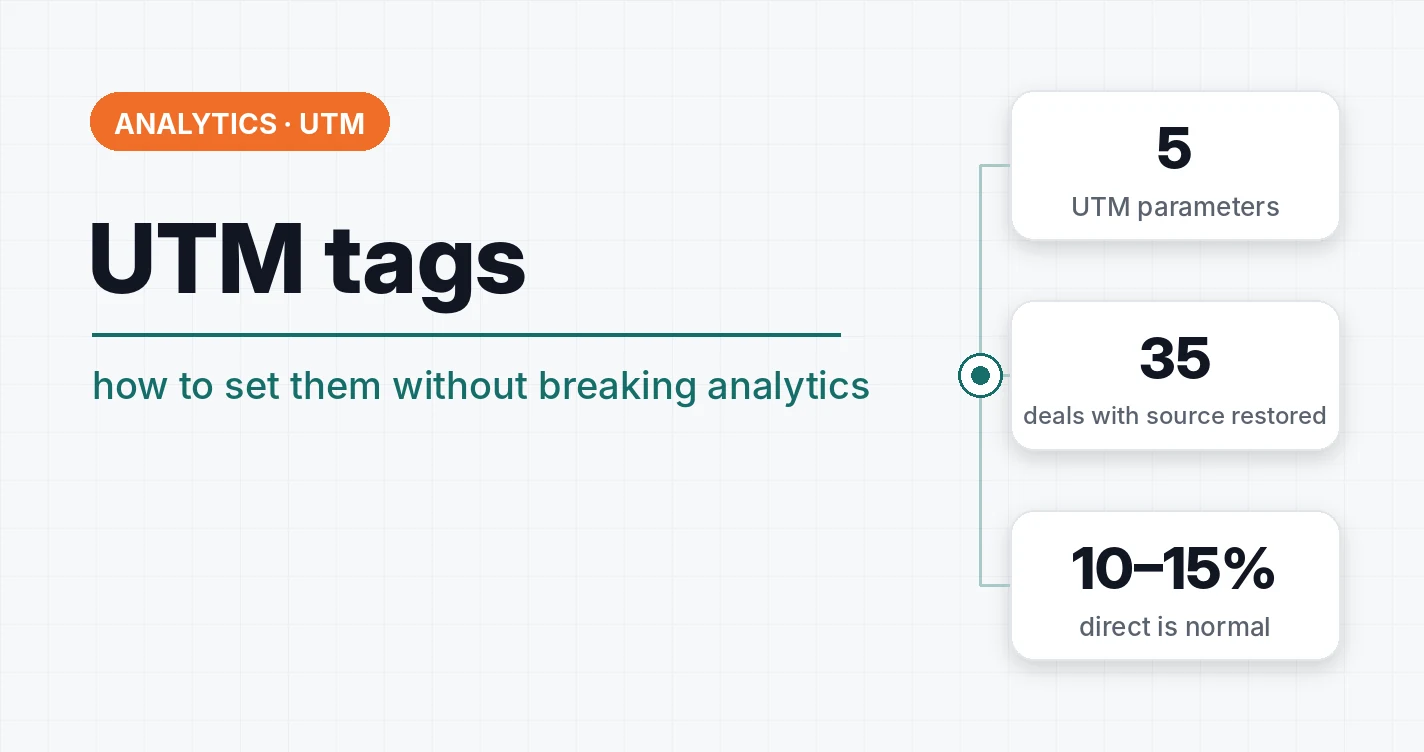
Five parameters and what to put in them
| Parameter | What it means | Example |
|---|---|---|
| utm_source | traffic source | google, facebook, telegram, newsletter |
| utm_medium | traffic type | cpc, email, social, referral |
| utm_campaign | campaign name | black_friday, poshuk_kyiv |
| utm_term | keyword | {keyword} in Google Ads |
| utm_content | ad, banner or link variant | banner_1, button_top |
In practice the first three are required. The last two are for when you need to tell keywords or creative variants apart.
A few rules that will save your nerves:
- One standard for everyone.
googleandGoogleare two different sources in reports. Write in Latin letters, lowercase, without spaces. - utm_medium for paid traffic is cpc. GA4 uses this value to assign traffic to paid channels. Made-up values like
reklamaend up in “Unassigned”. - Don’t put UTM tags on internal links of your site. A person clicks a banner on the home page and lands on a product page, and their real source gets overwritten by the internal one.
So you don’t have to build links by hand, I made a free UTM tag generator.
Do you need UTM tags in Google Ads
This is where most of the confusion is. Google Ads has auto-tagging: a gclid parameter, the click identifier, is added to every click. If Google Ads is linked to GA4, analytics pulls the campaign, ad group and keyword from the gclid by itself. For GA4 reports, manual UTM tags are not needed for Google Ads.
But the CRM needs them.
A CRM can’t decode a gclid. It sees an order and wants to know where it came from. If the site passes UTM tags and the gclid to the CRM together, the deal card shows the campaign, the keyword and the click identifier. And the gclid is then needed to send the real sale back to Google Ads as an offline conversion.
The most convenient way is to set UTM tags in Google Ads once at the account level through a final URL suffix with placeholders:
utm_source=google&utm_medium=cpc&utm_campaign={campaignid}&utm_term={keyword}
This way the tags are added to every ad automatically, and you don’t have to edit each one separately.
One nuance: if a link has both a gclid and manual UTM tags, GA4 takes the data from auto-tagging by default. There will be no conflict, just don’t be surprised that the campaign name in GA4 comes from Google Ads and not from utm_campaign.
Why UTM tags are there but the CRM has no source
The saddest situation I see regularly. In KeepinCRM, a client paid $2000 for a site-to-CRM integration that was supposed to show which sales the ads brought in. Ad tags were not passed to the CRM at all. When asked why, the integrators said there had been no such task.
I created fields for source, campaign and gclid in the CRM, finished the transfer into every order, including “one-click” purchases, and restored the sources for 35 old deals by matching them with GA4.
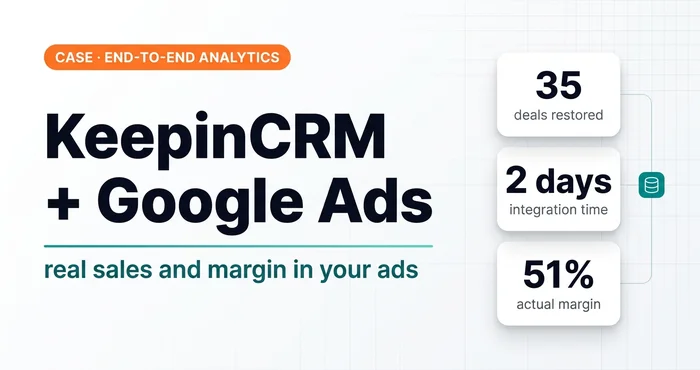 Case · End-to-end analyticsA $2,000 CRM Integration Had to Be Finished: KeepinCRM and Google Ads, Sales and MarginA $2,000 KeepinCRM integration didn’t pass ad tags. How I finished the site → CRM → Google Ads link and sent sales and margin to the ads.
How it works technically: a person lands on the site, and the tags and gclid are saved in cookies. When they place an order or submit a request, the site or GTM reads them from the cookies and passes them to the CRM with the order. Without this step, the tags live only in the address bar of the first page and disappear as soon as the person moves on.
Why tags get lost
Redirects. The most common cause. The site redirects a person from site.ua/?utm_source=... to www.site.ua/ or to a version with a trailing slash, and the parameters get cut off on the way. In GA4 such a visit falls into direct.
The link was forwarded without a tag. A person copied the link from the address bar, trimmed the “extra” part and sent it to a friend.
Messengers. A link in Telegram, Viber or a newsletter without UTM tags is direct or an unpredictable referral.
Blockers and incognito mode. Some users block Google Tag Manager from loading, and analytics simply doesn’t see them. A real test with uBlock is in the article what ad blockers do to the events on your site.
On an average project, 10–15% of traffic will always be direct, and that is normal. If there is more, look for a problem on the site. Start with redirects.
Key idea: a UTM tag is useful only when it survives until the order in the CRM. So check the deal card in the CRM.
A 5-minute check
- Open your site with the link
?utm_source=test&utm_medium=cpc&utm_campaign=test&gclid=test. - Check the address bar: are the tags still there, or did the site cut them off with a redirect.
- Go to 2–3 other pages and place a test order or submit a request.
- Open the order card in the CRM. If it shows the source, campaign and gclid, everything works. If not, you have sales without a source, and your ads are learning blind.
If the source isn’t arriving and you need it fixed, see conversion tracking setup with GTM and GA4.
Where to find me
Message me on Telegram or by email — I respond quickly. Telegram channel and YouTube are for those who want to see real cases before reaching out and understand my approach.