
Marketer, analyst, ex-CMO focused on the Google ecosystem (Ads, Merchant Center, GA4, GTM). Google Partner. 150+ projects, 100+ positive reviews on Freelancehunt, 12+ countries.
- I work directly, with no account managers or subcontractors
- I measure results in sales, not in-platform conversions
- Maximum expertise in the Google ecosystem
The yellow “Limited by budget” status next to a campaign scares many business owners. Right beside it Google offers a recommended budget, often several times the current one. And the question arises: is it really needed, or does Google just want more money?
The answer: sometimes it is, sometimes it isn’t. Below I go through what the status means, when it’s worth reacting to and when you can calmly carry on.
Contents
What “Limited by budget” means
According to Google, the status appears in two cases: the campaign shows less than it could because it lacks budget, or a campaign on the “Maximize clicks” strategy could get more traffic with a bigger budget. Then Google suggests an amount it considers optimal.
In plain words: there is more demand than money in the campaign. Part of the people searching for your product don’t see the ad because the daily budget ran out earlier.
Google calculates the recommended budget from the campaign’s recent performance, the current budget, keywords and targeting. It doesn’t disclose the formula.
Is it bad
Not necessarily. A budget is a business decision: how much you are ready to invest. Google doesn’t know your margin and doesn’t know whether the next hryvnia will pay off.
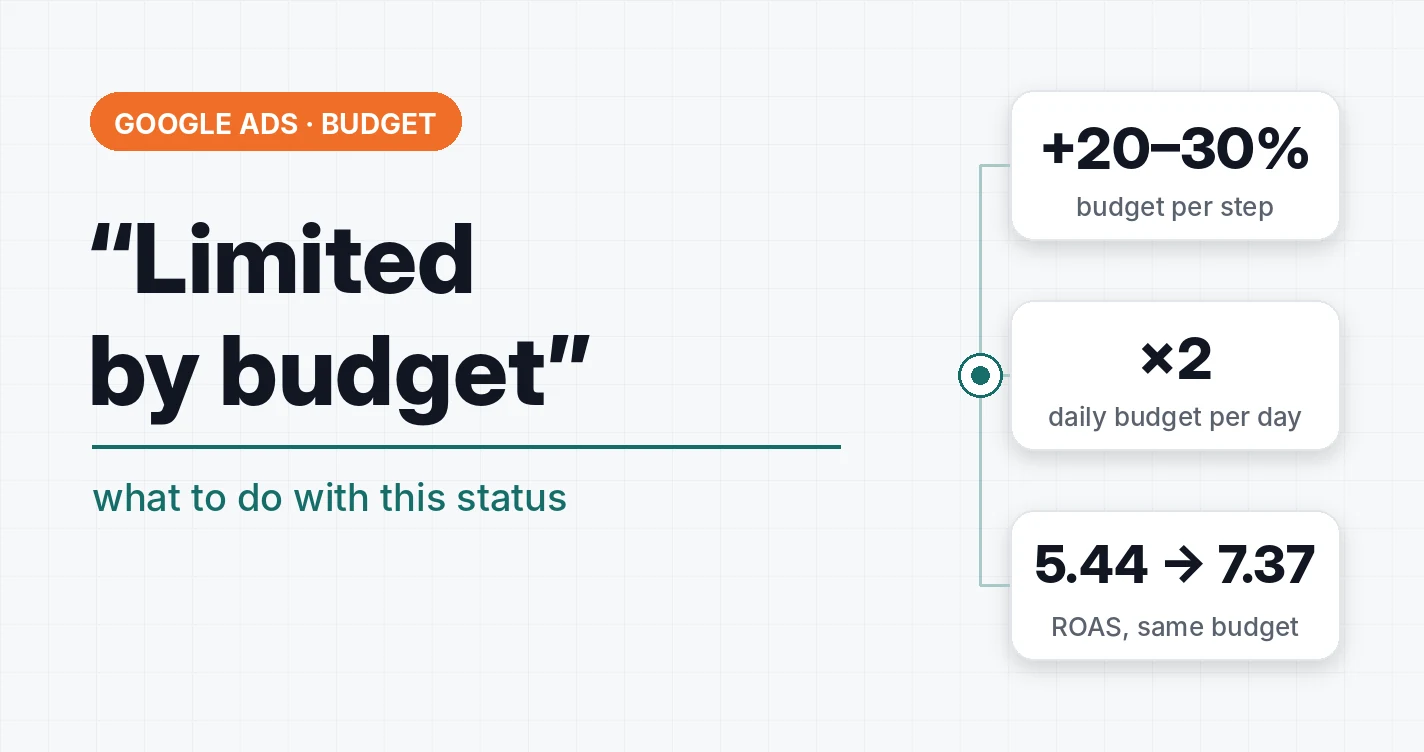
An example: in an online garden goods store, one Performance Max campaign with a budget of 500 UAH (~$11) a day constantly hits the budget. The “Limited by budget” status is there almost always. But instead of simply increasing the budget, I first improved the product feed, and within 14 days the ROAS of this campaign grew from 5.44 to 7.37 with the same 500 UAH a day.
The “Limited by budget” status is a hint that there is room to scale. It doesn’t say that scaling is profitable.
Check three things before raising the budget
1. Whether the campaign has junk in it. The budget runs out early because it is eaten by non-target queries, irrelevant placements or products with no sales. Remove them and the limit disappears without a single hryvnia on top. Check the search terms report and, if it’s Performance Max, the channel report.
2. Whether the campaign pays off now. If the ads are in the red at the current budget, a bigger budget will give a bigger loss. A bigger budget means more impressions and clicks, but not a guarantee of more leads. Sometimes the result doesn’t change at all.
3. Whether the budget is distributed correctly. It happens that one campaign is “limited by budget” while the neighboring one underspends. Redistributing money between them is often more profitable than adding new money.
When the budget is really worth raising
- The campaign pays off with a margin, and you see the ads being cut off in the most converting hours.
- Season: demand is growing, and a limited budget means giving customers to competitors.
- A new campaign that needs statistics for learning. A campaign that spends 200 UAH (~$4.4) a day in a niche with a click at 15 UAH (~$0.33) simply doesn’t have time to collect them.
How to raise it without breaking anything
Gradually. Google recommends increasing the budget by 20–30% once every week or two. If you raise it by 50–100% at once, there’s a high probability the campaign will break. And after an increase, wait at least one or two conversion cycles before drawing conclusions.
Also remember how Google counts the daily budget. It’s an average figure: in a day a campaign can spend up to two daily budgets, and over a month no more than the daily budget × 30.4. So a day with an “overspend” is not a mistake.
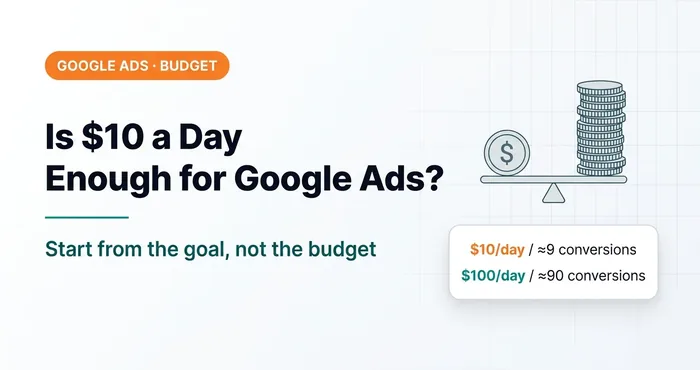 Google AdsIs $10, $50 or $100 a Day Enough for Google Ads?Is $10, $50 or $100 a day enough for Google Ads? How to budget from your goal and why a small budget slows down both tests and Google's algorithms.
The opposite problem: the campaign underspends
It happens the other way round: there is no “Limited by budget” status, yet the campaign spends less than the daily budget. Most often it’s a strict target CPA or target ROAS. The target doesn’t let the campaign into auctions where it doesn’t fit the set conversion price. Too narrow a geo or a small search volume gives the same.
If in your niche a lead costs 700 UAH (~$16) on average and you set a target of 250 UAH (~$5.6), the campaign may get no traffic at all.
 Google AdsGoogle Ads not showing ads: causes and checklistAds are live but impressions are zero: payment, account suspension, strategies, disapproved ads, negatives, Merchant Center and a 14-step diagnostic checklist.
To see both overspend and underspend at once, I make a separate “spend / daily budget” column in the account:
A useful feature for those who work with tROAS and tCPA in Google Ads

Key idea: “Limited by budget” means there is demand. Whether it’s profitable to go after it, Google doesn’t know — only you do.
What to do today
Open the campaign list, filter by the “Limited by budget” status and answer one question for each campaign: how much does it earn per hryvnia invested. You can work out which click and lead price pays off for you in the Google Ads payback calculator. If the campaign is in the black with a margin, raise the budget gradually. If not, clean up and count first.
Where to find me
Message me on Telegram or by email — I respond quickly. Telegram channel and YouTube are for those who want to see real cases before reaching out and understand my approach.