
Marketer, analyst, ex-CMO focused on the Google ecosystem (Ads, Merchant Center, GA4, GTM). Google Partner. 150+ projects, 100+ positive reviews on Freelancehunt, 12+ countries.
- I work directly, with no account managers or subcontractors
- I measure results in sales, not in-platform conversions
- Maximum expertise in the Google ecosystem — instead of “PPC, social ads and SEO, all in one”
About a year ago I said in my videos that sooner or later Google would let us turn off, or at least limit, individual channels in Performance Max. Today I logged into an account and saw exactly that. Only in one of my accounts so far, but it's there.
New Performance Max Feature, Q3 2026: (Almost) Excluding Channels from Your Ads

What appeared
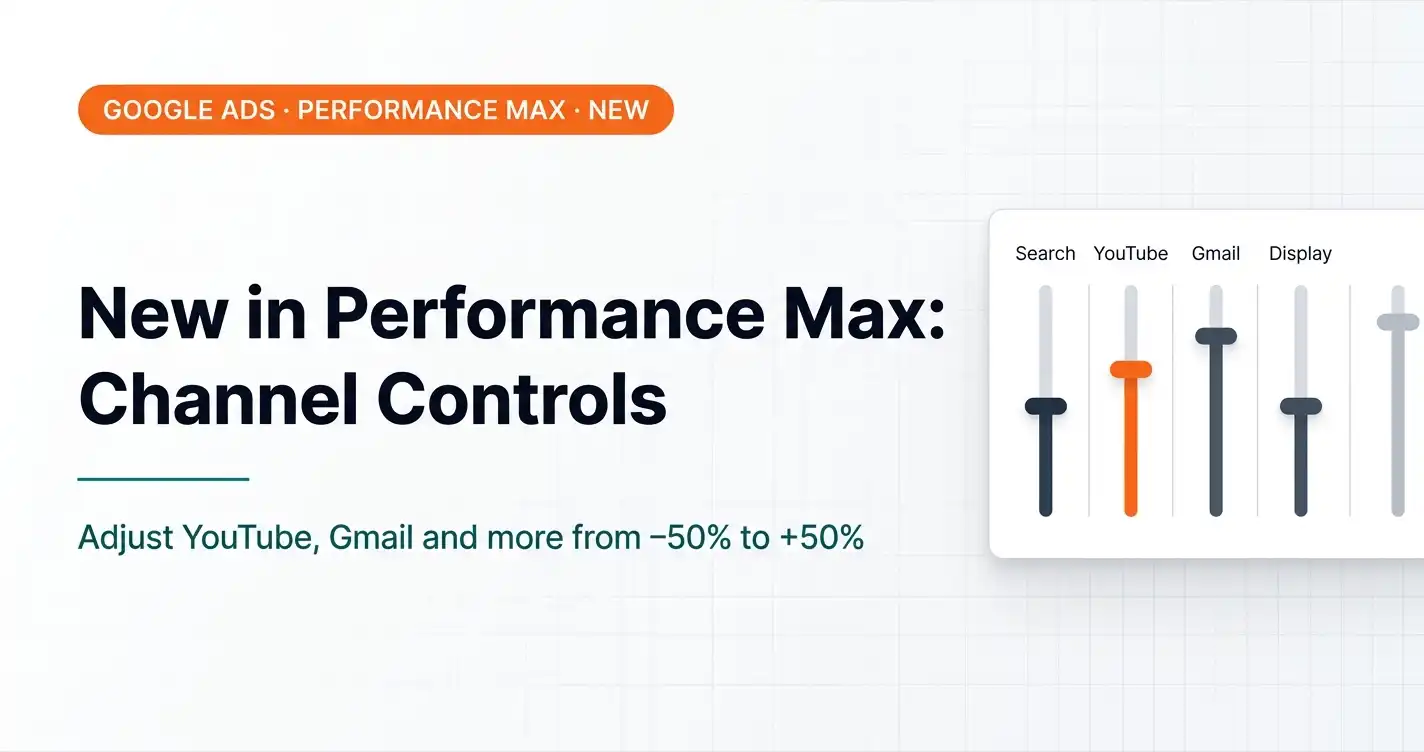
Performance Max campaign settings now have a new section — “Channels (alpha).” It lets you set the priority of each channel Performance Max covers: Gmail, Google Display Network, YouTube, Maps, Google Search, Search partner sites, Discover.
The default is “Auto.” But now you can expand any channel and set an adjustment from −50% to +50%.
Why this matters
Performance Max is a black box. You don't choose where your ads show: Google decides on its own between Search, Display, YouTube, Gmail, Maps and Discover. And in most of the projects I work with, YouTube within PMax either doesn't convert at all or converts so poorly that its impact is negative.
This is especially true of the auto-generated videos Performance Max makes on its own. Google generates a video from your images and text and runs it on YouTube. It usually looks awful. And it affects conversions accordingly.
Until today, the only way to remove YouTube from Performance Max was to exclude it through separate signals or to split campaigns altogether. Now there's a simpler way.
How it works in practice
Minus 50% on YouTube isn't a shutoff. Google doesn't let you turn a channel off completely. But a significant limit on its impact is already something.
An interesting detail Google shows right in the interface: if you set −50% on YouTube with a target CPA of 200 UAH ($4.4), the system warns that the cost per conversion in this channel may drop to 100 UAH ($2.2). So in this mode, YouTube will only run ads where the predicted cost per conversion is half your target. Sounds pretty good.
There's also a caveat from Google: budget-limited campaigns may get fewer conversions overall when channel settings change, because the system loses flexibility in distributing impressions. Worth keeping in mind.
My position
I've always believed, and still do: YouTube as a placement in Performance Max is a budget drain for most e-commerce and B2B projects. If you need YouTube ads, run a separate campaign with proper videos, not auto-generated junk from PMax.
Google finally giving at least some control over how spend is split between channels is a logical step. Late, but right. I expect that over time we'll get the option to fully turn off individual channels — not just limit them by 50%.
If you see this feature in your accounts, try reducing the impact of channels that clearly don't convert for you. And watch the trend: does campaign performance improve when the budget shifts to the channels that actually work?
Why this matters in practice: in the sneaker store audit, YouTube took 54% of the PMax budget in a niche with hot search demand.
Where to find me
Message me on Telegram or by email — I respond quickly. Telegram channel and YouTube are for those who want to see real cases before reaching out and understand my approach.